Text Guides
Compare Two Texts Online — Line Diff in Your Browser
Diff two versions of text line by line. Free Text Compare tool — see added and removed lines privately in your browser with NeedAnyTool.
NeedAnyToolPublished 1 min read
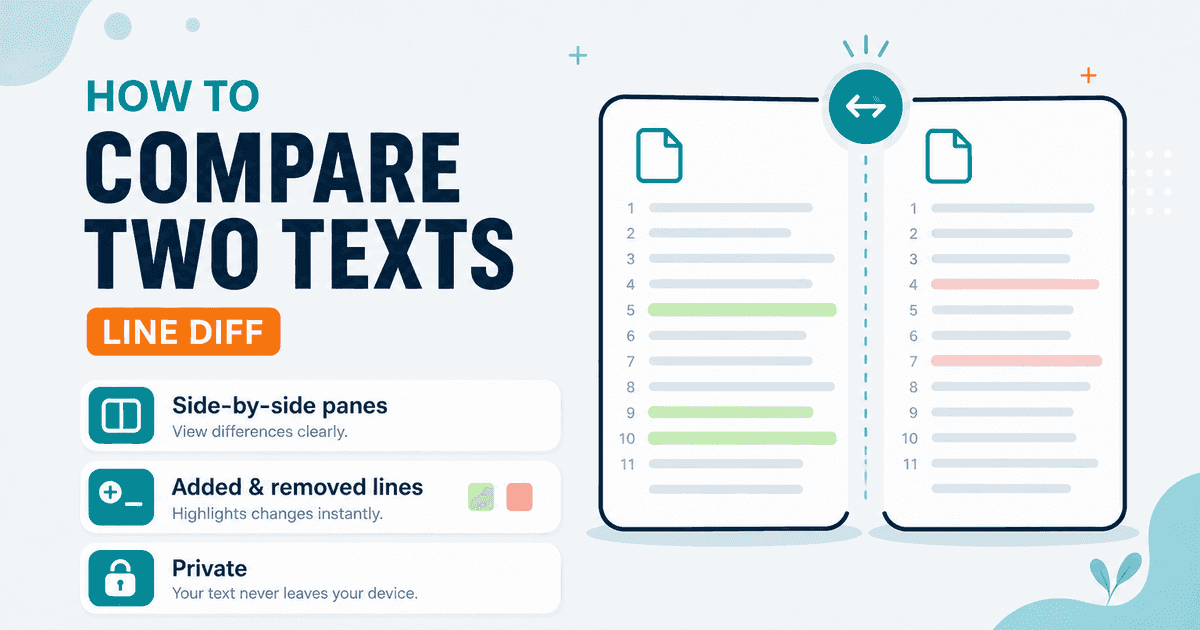
A colleague sent “final_v2.” You already have “final_v1.” Spotting what changed by eye is how mistakes ship. A line-level diff shows additions and removals clearly.
Text Compare takes two panes — Original and Modified — and highlights lines that were added, removed, or unchanged (LCS-based line diff). You can copy a short summary of the changes.
Important limitation: this is a line diff, not a character-level word processor track-changes view. If someone edited half a sentence on the same line, that whole line may show as removed + added. For tiny in-line edits, Find and Replace or a dedicated IDE diff may be clearer.
Good fits
- Policy or FAQ drafts where each sentence is its own line
- Config snippets and scripts
- Bullet lists and outlines
- “What did marketing change in this paragraph block?” when you paste with intentional line breaks
Steps
- Open Text Compare.
- Paste the older version on the left and the newer on the right.
- Scan added/removed markers.
- Copy the summary if you need to share what changed.
To clean either side before comparing, use Remove Extra Spaces or Remove Line Breaks so noise doesn’t create false diffs.
FAQ
Is this a character-level diff?
No — v1 compares whole lines.
Private?
Yes. Both texts stay in the browser.
Related guides
Text Guides
Count Sentences Online — Scripts, Essays & Transcripts
Count sentences in essays, scripts, and transcripts in your browser. Free Sentence Counter — private, no upload — NeedAnyTool.
Text Guides
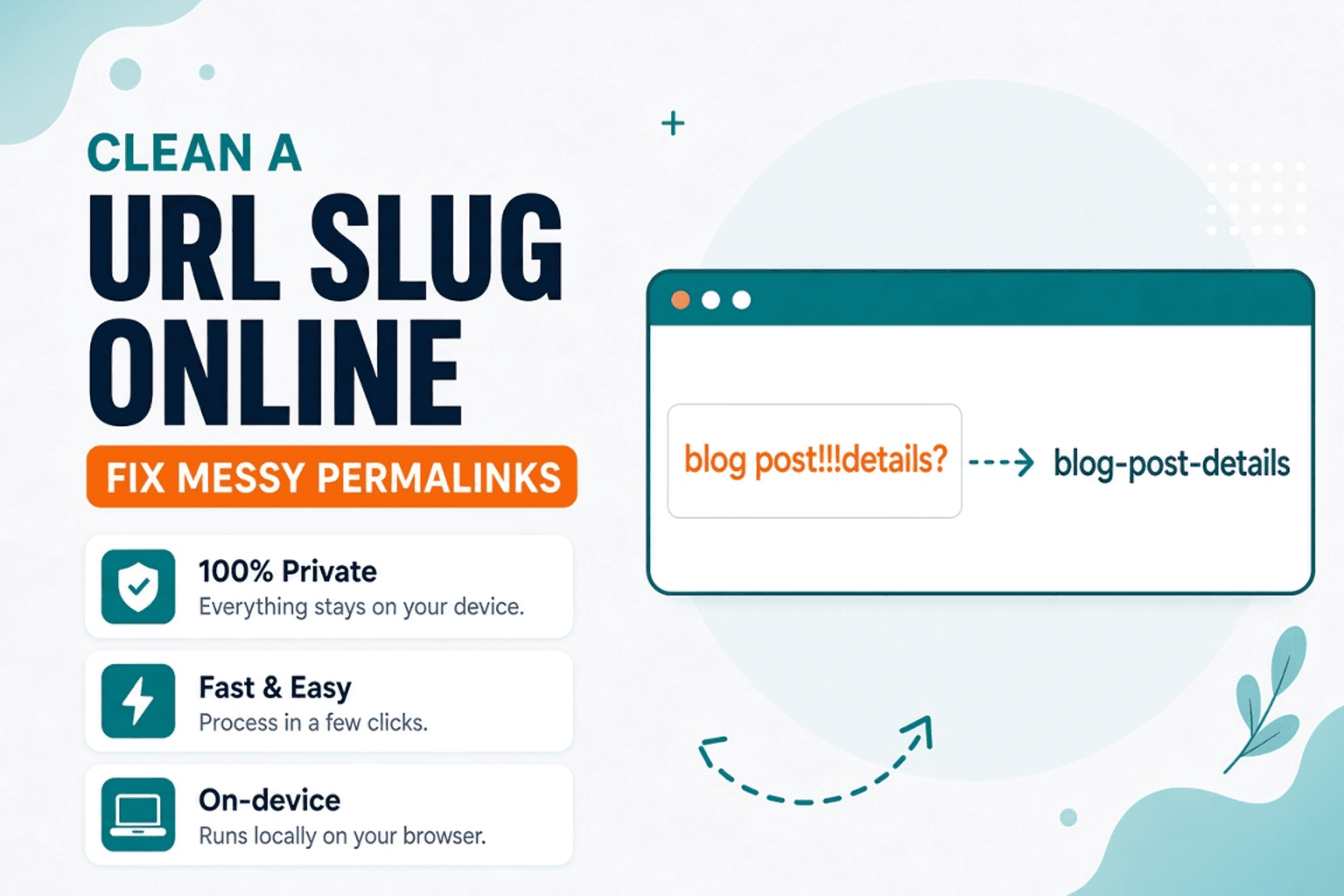
Clean a URL Slug Online — Fix Messy Permalinks
Clean messy URL slugs — fix spaces, punctuation, and ugly separators. Free URL Slug Cleaner in your browser — NeedAnyTool.
Text Guides
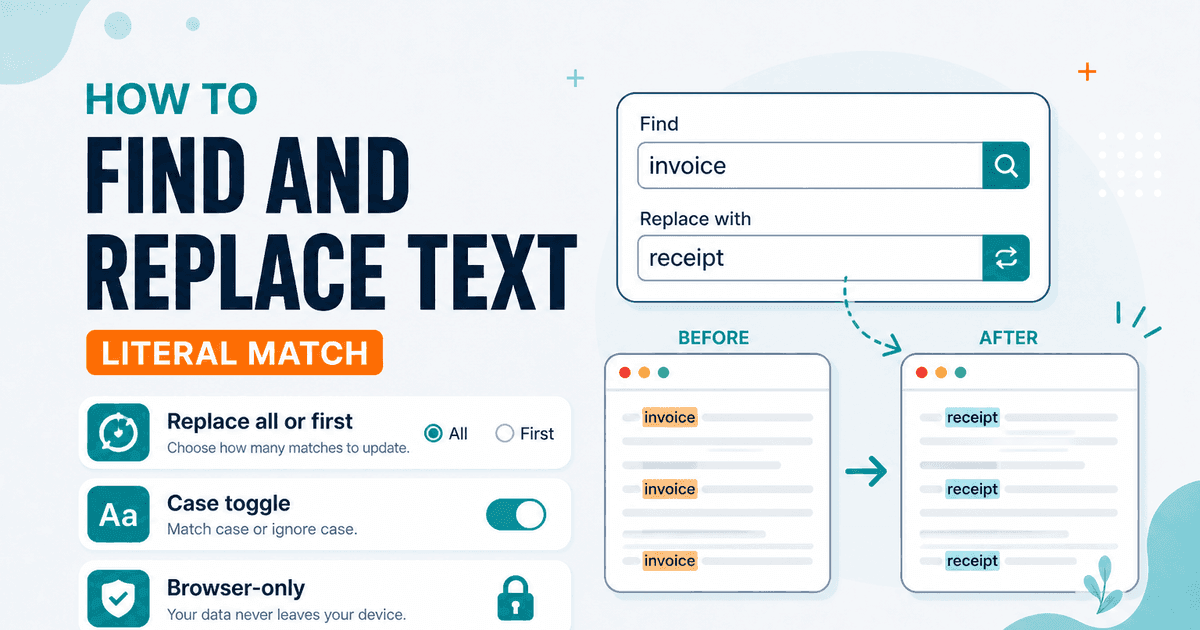
Find and Replace Text Online — Literal Match, No Account
Find and replace text in your browser — all matches or first only, case-sensitive toggle. Free private Find and Replace — NeedAnyTool.