Text Guides
Find and Replace Text Online — Literal Match, No Account
Find and replace text in your browser — all matches or first only, case-sensitive toggle. Free private Find and Replace — NeedAnyTool.
NeedAnyToolPublished 1 min read
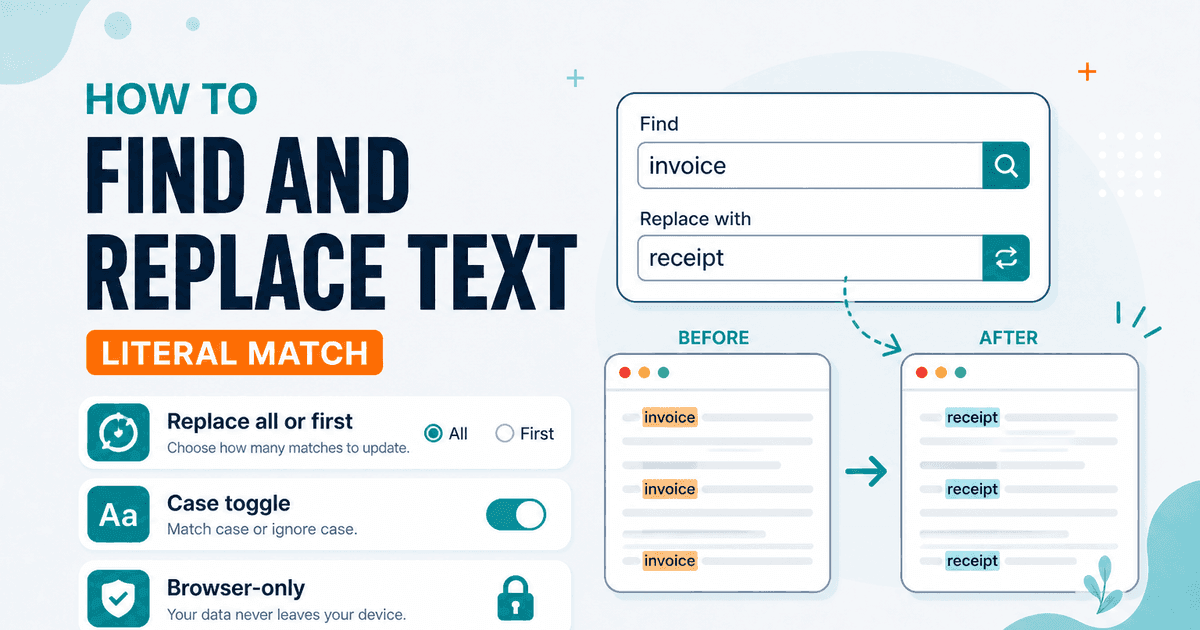
You need every colour changed to color, or a product name updated across a pasted brief — without opening a full word processor. A focused find-and-replace pane is enough.
Find and Replace supports:
- Replace all matches or only the first
- Optional case-sensitive matching
- A live match count so you know what will change
Matching is literal — not regular expressions. Special characters are treated as plain text. If you need pattern-based replace, use an editor that supports regex; this tool stays simple on purpose.
Steps
- Open Find and Replace.
- Paste the document or snippet.
- Enter the find string and the replacement.
- Confirm the match count, run replace, then copy the result.
For whitespace-only cleanup, Remove Extra Spaces is safer than inventing space patterns. To compare before/after versions side by side, paste both into Text Compare.
FAQ
Can I use regex?
Not in the current version — matches are exact substrings.
Is my text uploaded?
No. Everything stays in the browser.
Related guides
Text Guides
Count Sentences Online — Scripts, Essays & Transcripts
Count sentences in essays, scripts, and transcripts in your browser. Free Sentence Counter — private, no upload — NeedAnyTool.
Text Guides
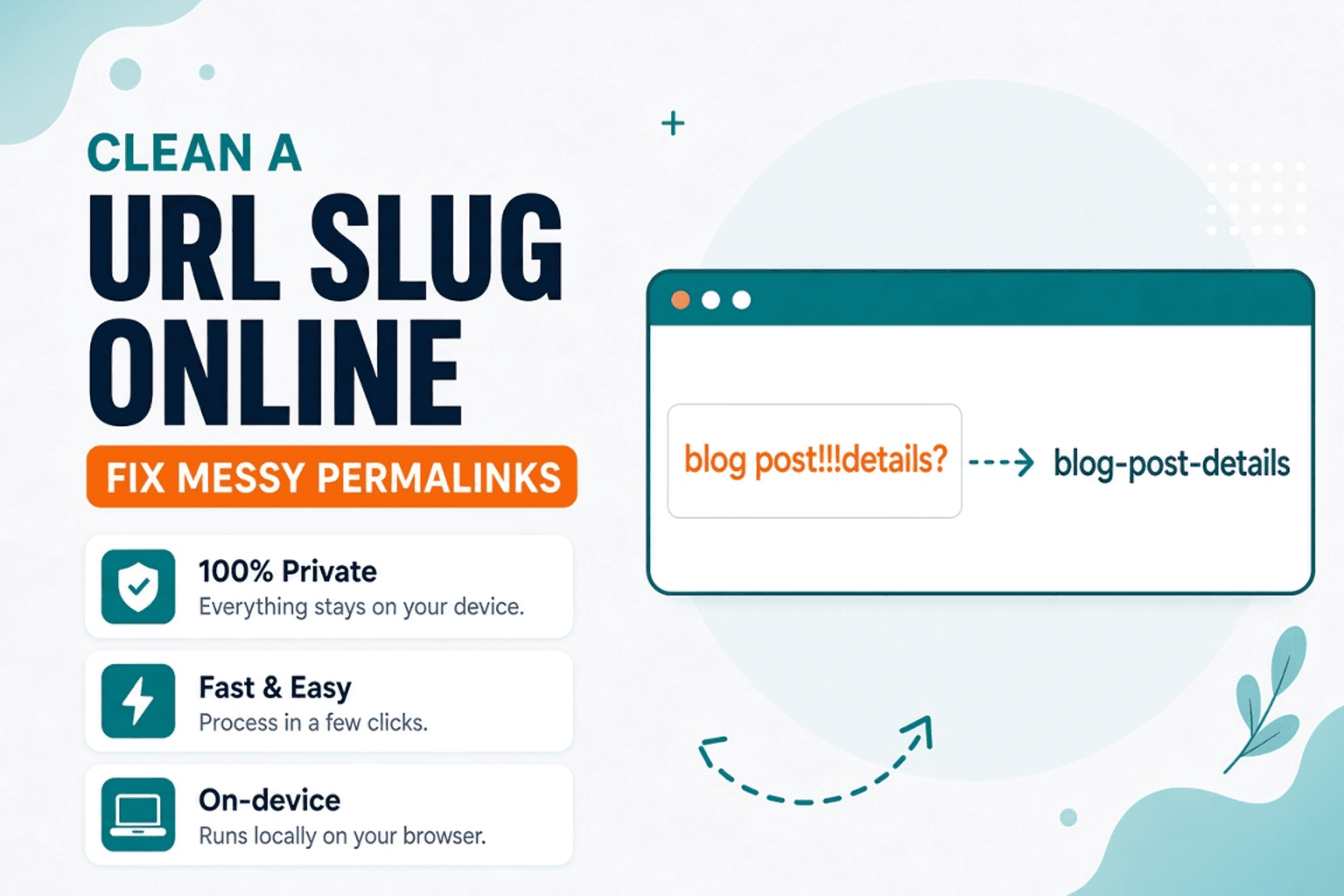
Clean a URL Slug Online — Fix Messy Permalinks
Clean messy URL slugs — fix spaces, punctuation, and ugly separators. Free URL Slug Cleaner in your browser — NeedAnyTool.

Text Guides
Compare Two Texts Online — Line Diff in Your Browser
Diff two versions of text line by line. Free Text Compare tool — see added and removed lines privately in your browser with NeedAnyTool.