NeedAnyTool
Which NeedAnyTool Should You Open?
PDF, photo, QR code, text, or a calculator — which NeedAnyTool page fits the job. A short map of the products, without a signup wall.
NeedAnyToolPublished 3 min read
You have one job and about four minutes. The hard part is not the click. It is opening a site that wants an account before it will tell you whether it even does the thing.
NeedAnyTool is a set of small products on one site. Each one starts on its own page. This is the map, so you do not wander through the wrong hub.
Why the site is built this way — one task, no paywall in front of the download — is in why we built NeedAnyTool and no paywalls, no signups.
If the thing in your hand is a file
It is a PDF. Go to PDF Tools. Merge, split, compress, rotate, sign, redact, turn images into a PDF, pull text back out. Start from the verb. “Too big to email” is compress, not a general editor. “These three files should be one” is merge.
It is a photo or a PNG. Go to Image Tools. Compress, resize, crop, convert JPG and PNG and WebP, passport sizes, a collage, a watermark. If the picture only exists because you need it inside a PDF, you can also use Images to PDF and skip the image hub.
It is a screenshot of a code, or you need to make one. Go to QR Tools. Scan with the camera, read a code from a picture, or generate a website, Wi-Fi, or menu code. Print only after you have tested the code.
If there is no file
Words. Text tools count them, clean a bad paste, change case, sort lines, encode and decode. You are not uploading a document. You are pasting into a box.
A number with units, or a format. Converters cover JSON and CSV, timestamps, colours, and measurement units.
A calculation. Calculators are the everyday ones: a tip, a percentage, an EMI, an average, the days between two dates. They are not a spreadsheet and they are not tax software.
If you are on a phone and the browser is the awkward part
The website works in a mobile browser. When the file already lives on the phone, the Android apps match the same jobs:
- PDF Toolkit for documents
- QR Toolkit for codes
- Home Workout if the “job” is a bodyweight session, not a file
A rule that saves a wrong upload
Match the tool to the object. A PDF compressor will not shrink a PNG. An image converter will not merge two contracts. A QR scanner will not read a paragraph of body text unless that text was encoded into a code.
When the file is sensitive — a contract, an ID, a medical letter — prefer the tool that does the work in the browser, and send only the pages someone asked for. The checklist is what to remove before you share a file.
FAQ
Do I need an account to use the tools?
No. The current tools start when you open the page. Drop the file or type the value, then download or copy the result.
Are PDF and image tools the same product?
They share a site and a privacy habit. They are separate hubs so a compress button for photos is not buried under a compress button for PDFs.
Where do I start if I am still unsure?
Name the object: PDF, picture, code, words, or a number. Open that hub. The tool names are the verbs. If none of them is your verb, this is not the product for that job — and that is a better outcome than forcing it.
Related guides
NeedAnyTool
Why We Built NeedAnyTool: Simple Tools Without Unnecessary Complexity
Why we built NeedAnyTool: free online PDF tools and image tools without signup walls — merge, compress, and convert privately in your browser.
NeedAnyTool
No Paywalls, No Signups: The Design Philosophy Behind NeedAnyTool
Why we built NeedAnyTool without subscription gates, signup walls, or intrusive ads. Our core principles for fast, private, and human-friendly web utilities.
PDF Guides
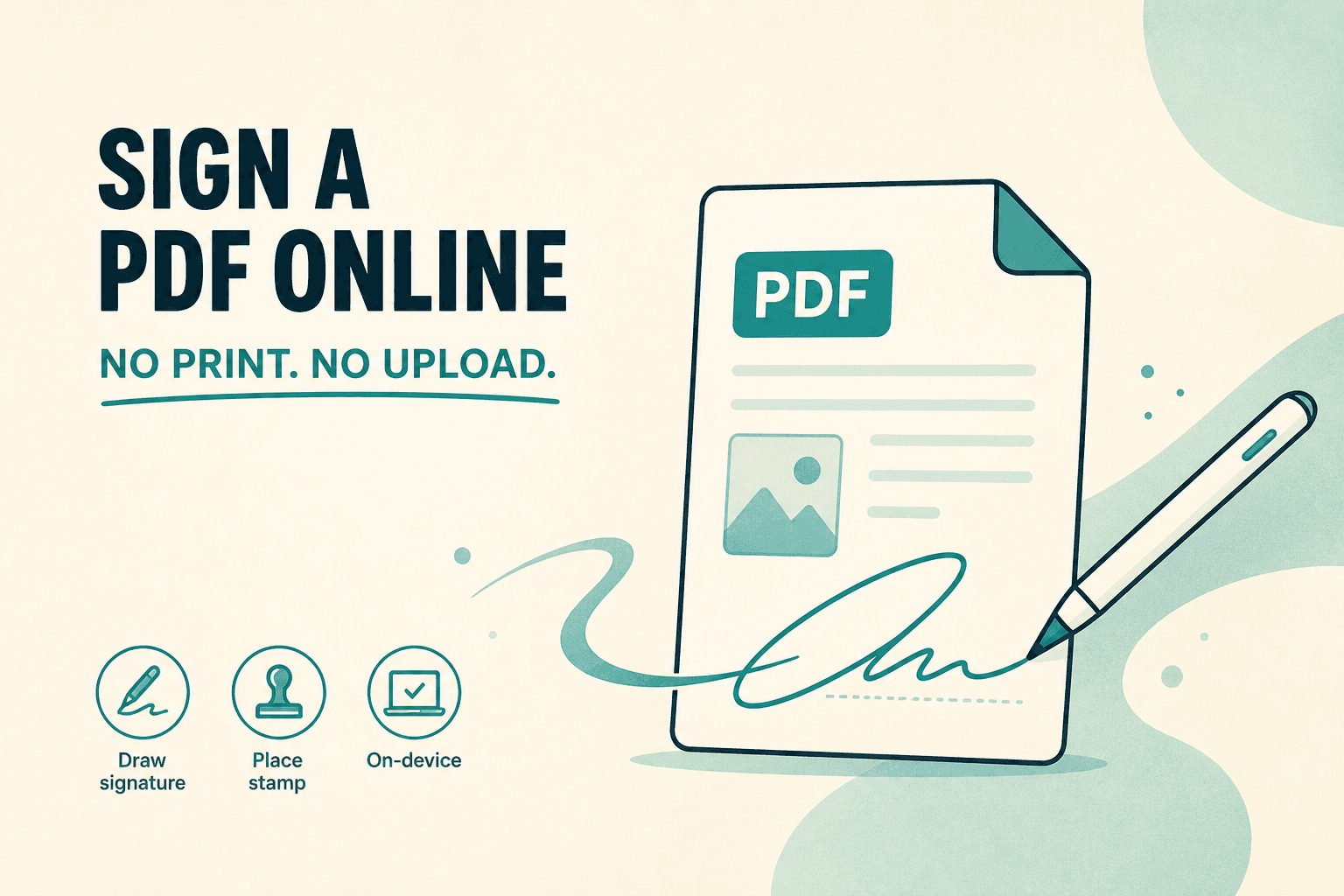
Sign a PDF Online Without Printing or Uploading
Sign a PDF online free — draw an electronic signature without printing or uploading. E-sign PDF forms in your browser with NeedAnyTool.