Converter Guides
Convert Measurement Units Online — Length, Weight, Temperature
Convert length, weight, temperature, and everyday units in your browser. Kilometres to miles, cups to millilitres, Celsius to Fahrenheit — free, no account.
NeedAnyToolPublished 3 min read

The recipe says 250 millilitres. Your jug is in cups. The map is in kilometres and your head is still in miles. A search result that converts “1” is never the number you actually have, and the page is covered in other conversions you did not ask for.
Unit Converter is one page for that job. Pick the kind of measurement, pick the two units, type the value. The result updates in the browser. There is no account and nothing to upload — you are converting a number, not a file.
Start with the kind of quantity
Length will not convert into kilograms, and it should not try. Choose the category first, then the from-unit and the to-unit.
Everyday ones people open constantly:
- Length — kilometres and miles, metres and feet, inches and centimetres
- Mass — kilograms and pounds, grams and ounces
- Temperature — Celsius and Fahrenheit
- Cooking volume and weight — cups, millilitres, tablespoons, and the flour-versus-sugar problem of weighing what a recipe measured with a spoon
- Data — megabytes and gigabytes, when a file limit is written in the other unit
There is a search box in the category list for the less common ones: pressure, fuel economy, typography, screen size, and the rest. If you already know you want length, you can open length, mass, or temperature directly.
A few conversions that are easy to misremember
Celsius and Fahrenheit are not a simple double. 20 °C is 68 °F. 180 °C — a common oven mark — is 356 °F. Let the converter do it. Doubling and adding 30 is a rough trick that drifts.
Cups and millilitres depend on which cup. A US cup is 240 ml in the usual kitchen conversion, not “about a mug.” If a recipe from another country tastes wrong, the cup size is a prime suspect. Pick the unit name carefully instead of assuming every cup is the same.
Kilometres and miles. 5 km is a little over 3 miles (3.11). Good enough for a run. Not good enough if you are cutting material and the plan was in the other system — then you want the full figure, not the rounded headline.
File size. A 25 MB email cap is not “0.025 GB” in every marketing sentence, because some people divide by 1000 and some by 1024. The data category uses a defined conversion. Read the unit labels. If the limit is strict, stay under it by a margin instead of landing on the exact boundary.
How to use it without second-guessing
- Open Unit Converter.
- Search or pick the category.
- Set the unit you have and the unit you need. Swap them if you pasted the value on the wrong side.
- Type the number you actually measured, not 1, then scale in your head.
For dates and durations, this is the wrong tool. Days between two calendar dates belong in the date difference calculator. Unix timestamps belong in the epoch converter.
FAQ
Does it convert currency?
No. Currency moves with an exchange rate. These units are physical or defined quantities: length, mass, temperature, volume, data size, and similar.
Can I convert more than one number at a time?
One value at a time. For a column of figures, convert the unit once, then apply that factor in a spreadsheet if you have dozens of rows.
Is my number sent anywhere?
The math runs in the page. A measurement you type is not uploaded as a file. It is still a number sitting in a browser tab, so treat anything sensitive the way you would any other tab.
Related guides
Converter Guides
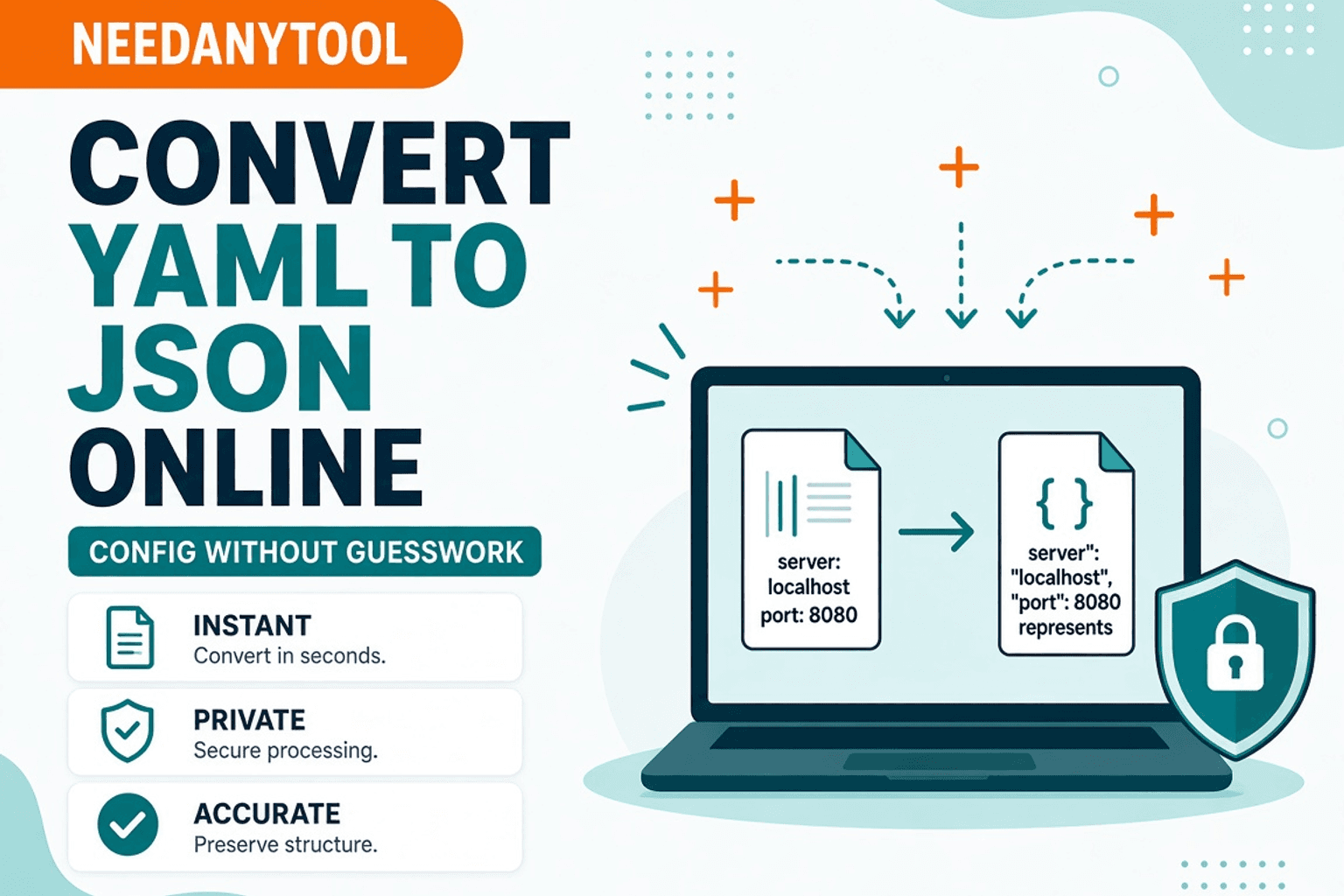
Convert YAML to JSON Online — Config Files
Convert YAML config to JSON in your browser. Free YAML to JSON converter — private NeedAnyTool tool for DevOps and apps.
Converter Guides
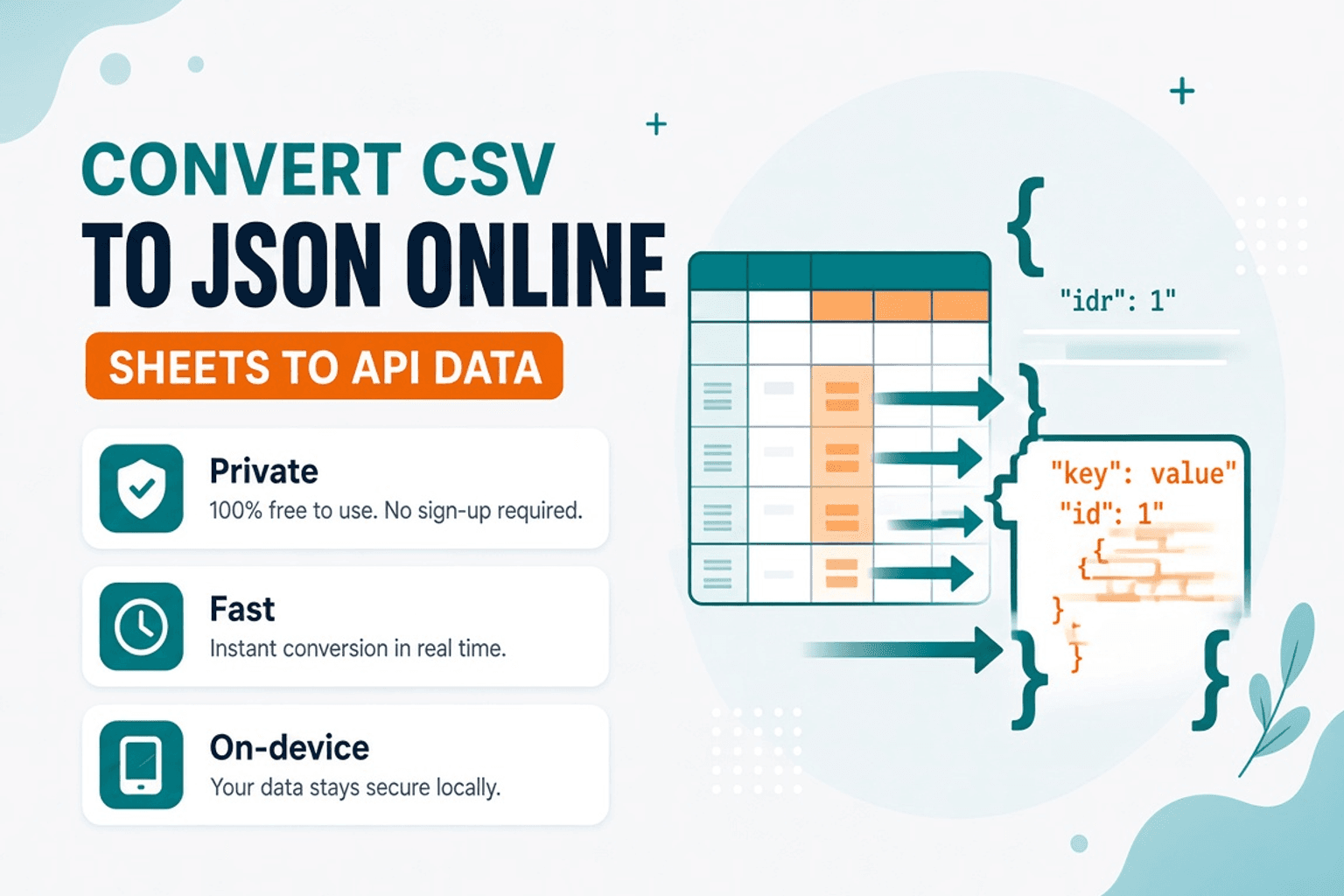
Convert CSV to JSON Online — Sheets to API Data
Convert CSV to JSON for APIs and apps. Free CSV to JSON converter in your browser — private NeedAnyTool tool.
Converter Guides
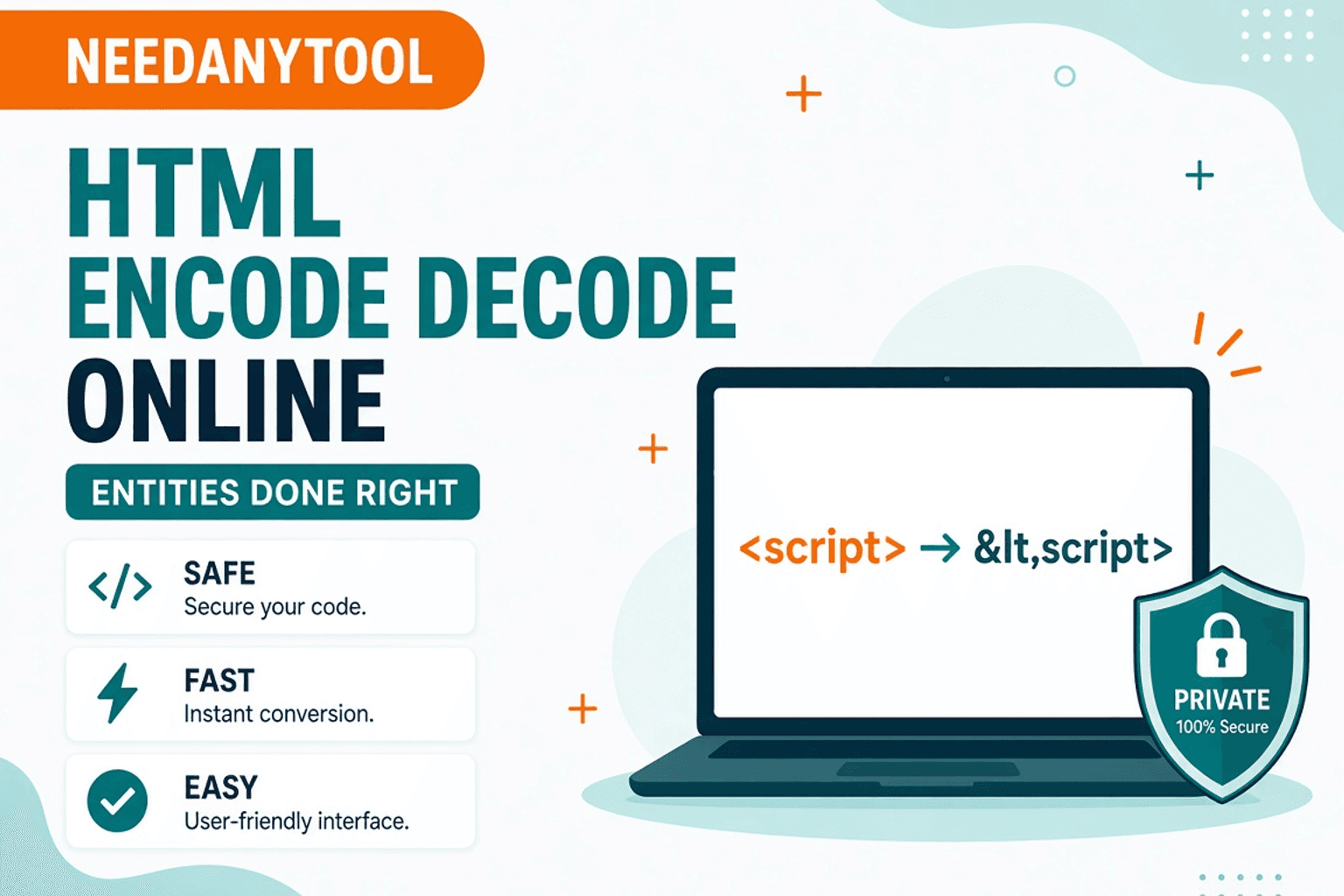
HTML Encode and Decode Online — Entities Done Right
Encode and decode HTML entities in your browser. Free HTML Encode / Decode tool — safe snippets, private NeedAnyTool converter.