Calculator Guides
Calculate Mean, Median, and Mode Online
Find the mean, median, and mode from a list of numbers in your browser. Free average calculator with min, max, and count — no spreadsheet.
NeedAnyToolPublished 2 min read
“What’s the average?” is three different questions wearing one coat. The mean is pulled around by a single huge number. The median stays put. The mode tells you what showed up most often, which is sometimes the only answer a teacher or a stock count wanted.
Average Calculator takes a list — commas, spaces, or new lines — and shows mean, median, mode, min, max, and how many values it counted. It runs in the browser.
Which number to report
Mean is the arithmetic average: add them, divide by how many. Use it when every value deserves the same vote and nothing is a wild outlier. Class scores, equal monthly totals, a short list of similar prices.
Median is the middle value after sorting. With an even count, it is the mean of the two middle numbers. Use it when one outlier would embarrass the mean. Incomes, house prices, and “typical” delivery times are classic median jobs. One £2,000 order in a list of £40 sales will drag the mean up and leave the median describing what usually happens.
Mode is the value that appears most often. A list can have more than one mode, or none, if every number appears once. Use it for sizes, ratings, and anything where “most common” matters more than “typical middle.”
Min and max are the range check. If the min is a typo (4 typed as 400), fix the list before you quote the mean in an email.
A worked list
Numbers: 10, 20, 20, 30, 40
- Count: 5
- Mean: 24
- Median: 20
- Mode: 20
- Min: 10
- Max: 40
Drop in a 400 by mistake and the mean jumps. The median moves less. That is the whole reason to look at more than one figure before you say “the average is…”
How to paste a messy column
- Open Average Calculator.
- Paste the numbers. Commas, spaces, and line breaks are all fine. The sample in the box is
10, 20, 20, 30, 40if you want to see the layout. - Read mean first only if you meant the mean. Glance at min and max for typos.
- If the tool rejects a token, you probably pasted a currency sign, a word, or a thousands separator it could not read. Strip those and try again.
This is not a weighted average. If one row should count double, either paste it twice or do that math in a sheet. It is also not a percentage change — that is the Percentage Calculator.
FAQ
What if there are two modes?
Both are listed. A list like 1, 1, 2, 2, 3 has two modes. “None” means nothing repeated.
Does order matter?
Not for the results. Median sorts internally. You can paste a column in the order you have it.
Are the numbers uploaded?
No. The calculation stays in the page. Clear the box when you are done if the figures were private — the same way you would clear a spreadsheet on a shared computer.
Related guides
Calculator Guides
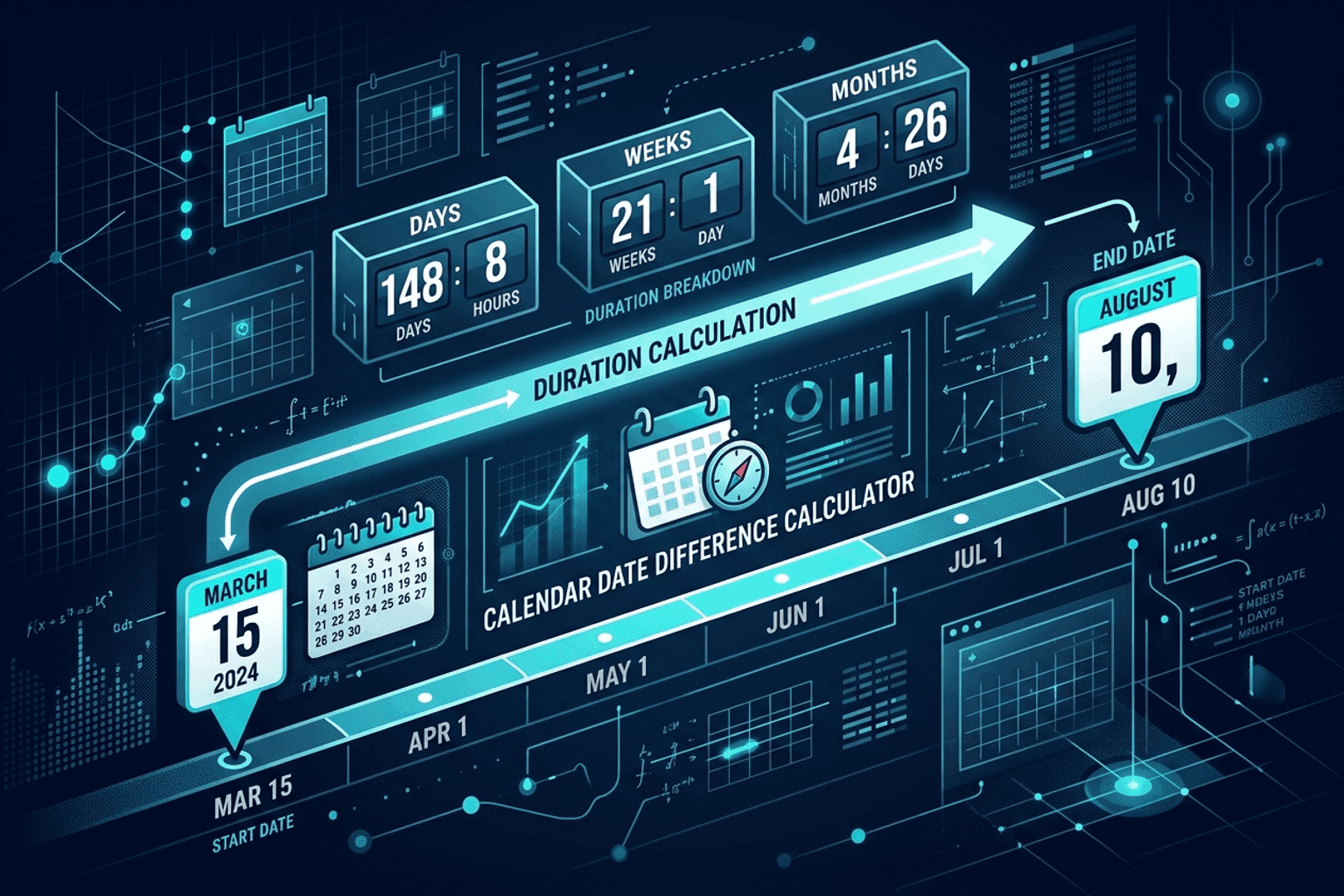
Calculate Days Between Two Dates Online
Calculate the exact number of days, weeks, and months between any two calendar dates. Free Date Difference Calculator for project deadlines and billing.
Calculator Guides
Scientific Calculator Online — Trig, Logs & Powers
Free scientific calculator in your browser — sin, cos, tan, logs, powers, and more. Private NeedAnyTool scientific keypad.
Calculator Guides
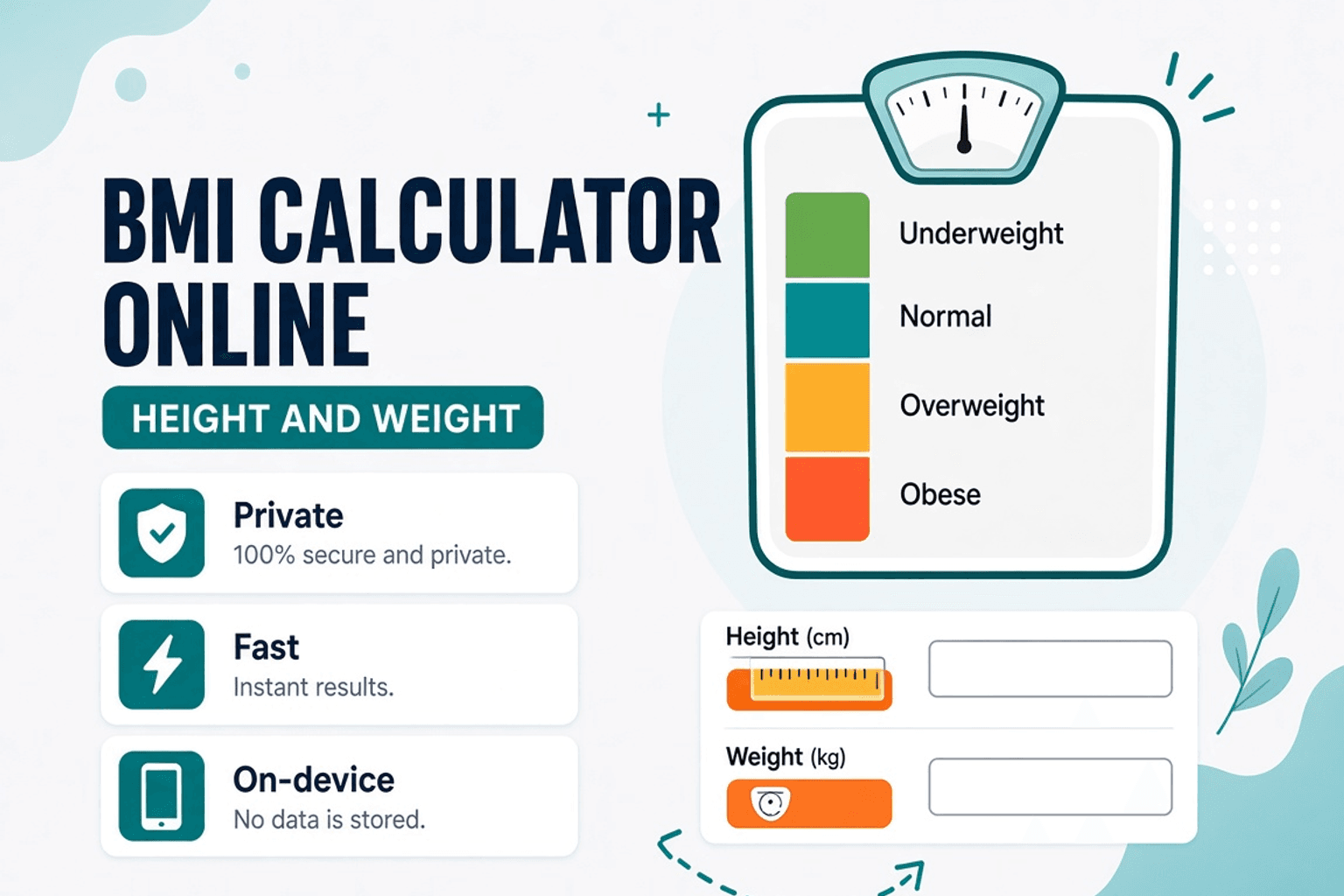
BMI Calculator Online — Body Mass Index Estimate
Calculate BMI from height and weight in your browser. Free BMI Calculator with category ranges — not medical advice — NeedAnyTool.