Text Guides
Convert Text to ASCII Codes Online
Convert text to ASCII / character codes and back in your browser. Free Text to ASCII tool — private NeedAnyTool utility.
NeedAnyToolPublished 1 min read
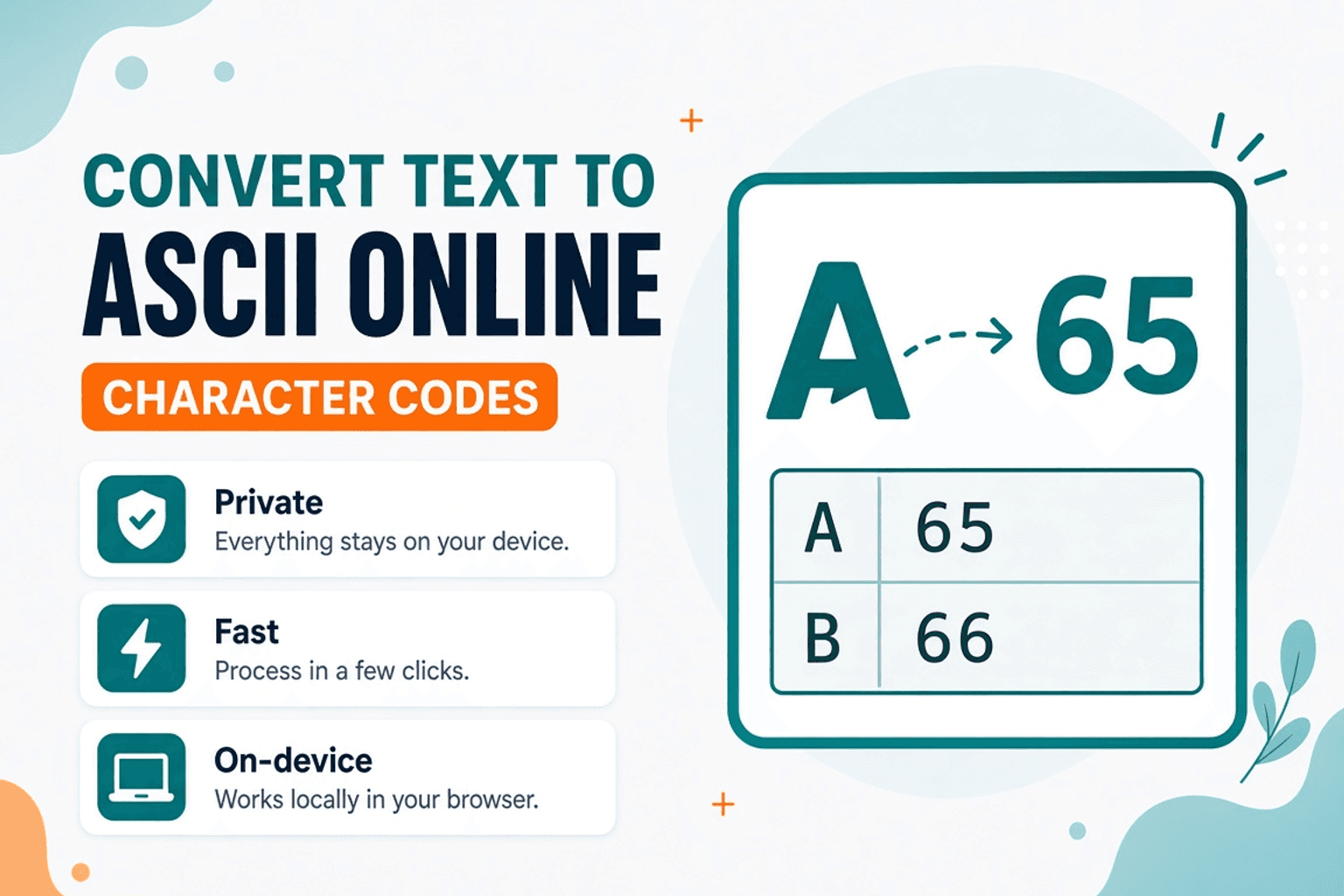
A debugging note says “check the ASCII codes.” A lesson wants the decimal values for each character. Reading a chart for every letter wastes time.
Text to ASCII maps characters to codes. ASCII to Text goes the other way when you already have a list of numbers. For bit strings, use Text to Binary. All of it runs locally in your browser.
When ASCII tools help
- CS homework and encoding demos
- Spotting invisible characters after a weird paste
- Comparing “looks the same” strings that differ by code point
- Quick reference without installing a desktop utility
Steps
- Open Text to ASCII.
- Paste the string.
- Copy the code list.
- To reverse, paste codes into ASCII to Text.
ASCII vs Unicode
Classic ASCII covers 0–127. Modern text is Unicode; values above 127 appear depending on how the tool labels “ASCII” vs code points. If you need Base64 for transport, switch to Text to Base64.
Related searches
- text to ASCII online
- convert text to ASCII codes
- ASCII to text converter
- character code converter free
- ASCII decimal values online
- text to ASCII no upload
FAQ
Private?
Yes. Browser-only.
Does it handle emoji?
Emoji are multi-code-point Unicode — output may show several numbers per glyph. That’s expected.
Space and newline codes?
Yes — whitespace has codes too (32 for space is the usual decimal).
Related guides
Text Guides
Count Sentences Online — Scripts, Essays & Transcripts
Count sentences in essays, scripts, and transcripts in your browser. Free Sentence Counter — private, no upload — NeedAnyTool.

Text Guides
Clean a URL Slug Online — Fix Messy Permalinks
Clean messy URL slugs — fix spaces, punctuation, and ugly separators. Free URL Slug Cleaner in your browser — NeedAnyTool.

Text Guides
Compare Two Texts Online — Line Diff in Your Browser
Diff two versions of text line by line. Free Text Compare tool — see added and removed lines privately in your browser with NeedAnyTool.