Text Guides
Remove Duplicate Lines Online — Clean Lists Fast
Deduplicate lines in a list while keeping order. Free Remove Duplicate Lines tool — private browser cleanup for CSV paste and inventories.
NeedAnyToolPublished 1 min read
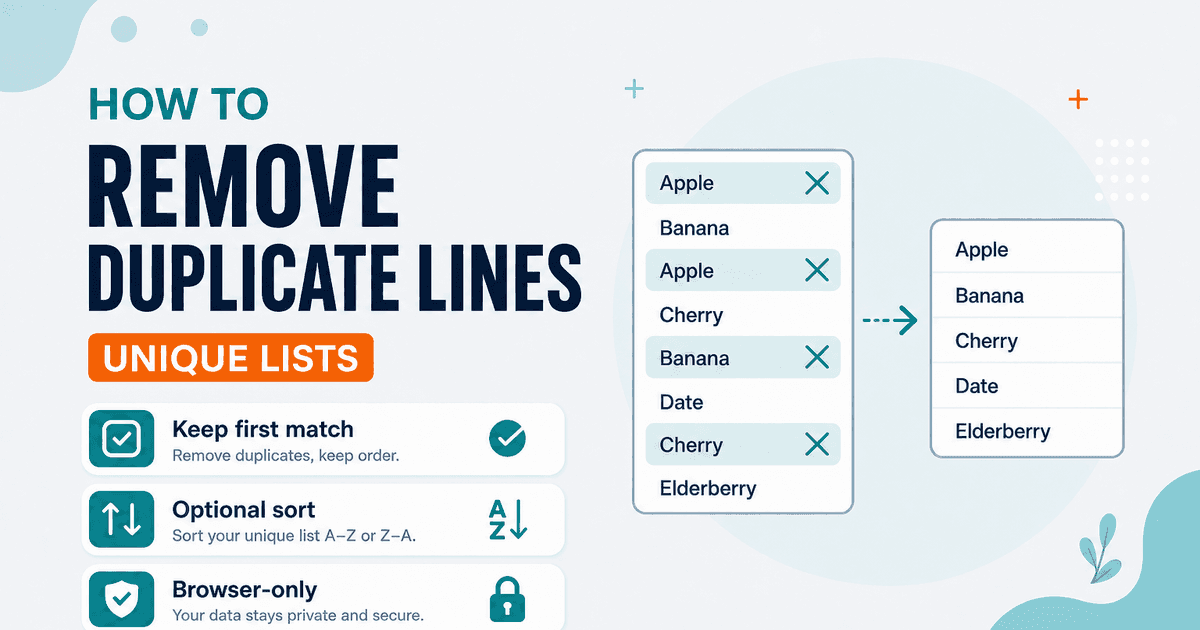
You exported a mailing list, scraped a column of SKUs, or merged two notes — and now the same line appears three times. Sorting in a spreadsheet works, but for a quick paste cleanup, a line deduper is faster.
Remove Duplicate Lines keeps the first occurrence of each line and drops the rest. Options:
- Case-sensitive —
Appleandapplestay distinct when on; merge when off - Preserve order — keep original sequence, or sort A–Z after deduping
- Remove empty — drop blank lines
This removes duplicate lines, not duplicate words inside a paragraph. For repeated words in prose, use Duplicate Word Finder or Word Frequency.
Steps
- Open Remove Duplicate Lines.
- Paste one item per line.
- Set case and empty-line options to match your data.
- Copy the unique list back into your sheet or script.
To sort without deduping, use Text Sorter. To spot line-level edits between two versions of a list, use Text Compare.
FAQ
Does “first occurrence wins” mean later edits are lost?
Yes — if the same line text appears twice, only the first stay. Edit upstream if the second copy was the “correct” one.
Private?
Yes. Browser-only processing.
Related guides
Text Guides
Count Sentences Online — Scripts, Essays & Transcripts
Count sentences in essays, scripts, and transcripts in your browser. Free Sentence Counter — private, no upload — NeedAnyTool.

Text Guides
Clean a URL Slug Online — Fix Messy Permalinks
Clean messy URL slugs — fix spaces, punctuation, and ugly separators. Free URL Slug Cleaner in your browser — NeedAnyTool.
Text Guides
Compare Two Texts Online — Line Diff in Your Browser
Diff two versions of text line by line. Free Text Compare tool — see added and removed lines privately in your browser with NeedAnyTool.