QR Guides
Menu QR Code for a Restaurant Online
Make a restaurant menu QR code that opens your PDF or website — update the menu without reprinting stickers. Free QR generator in browser.
NeedAnyToolPublished Updated 2 min read
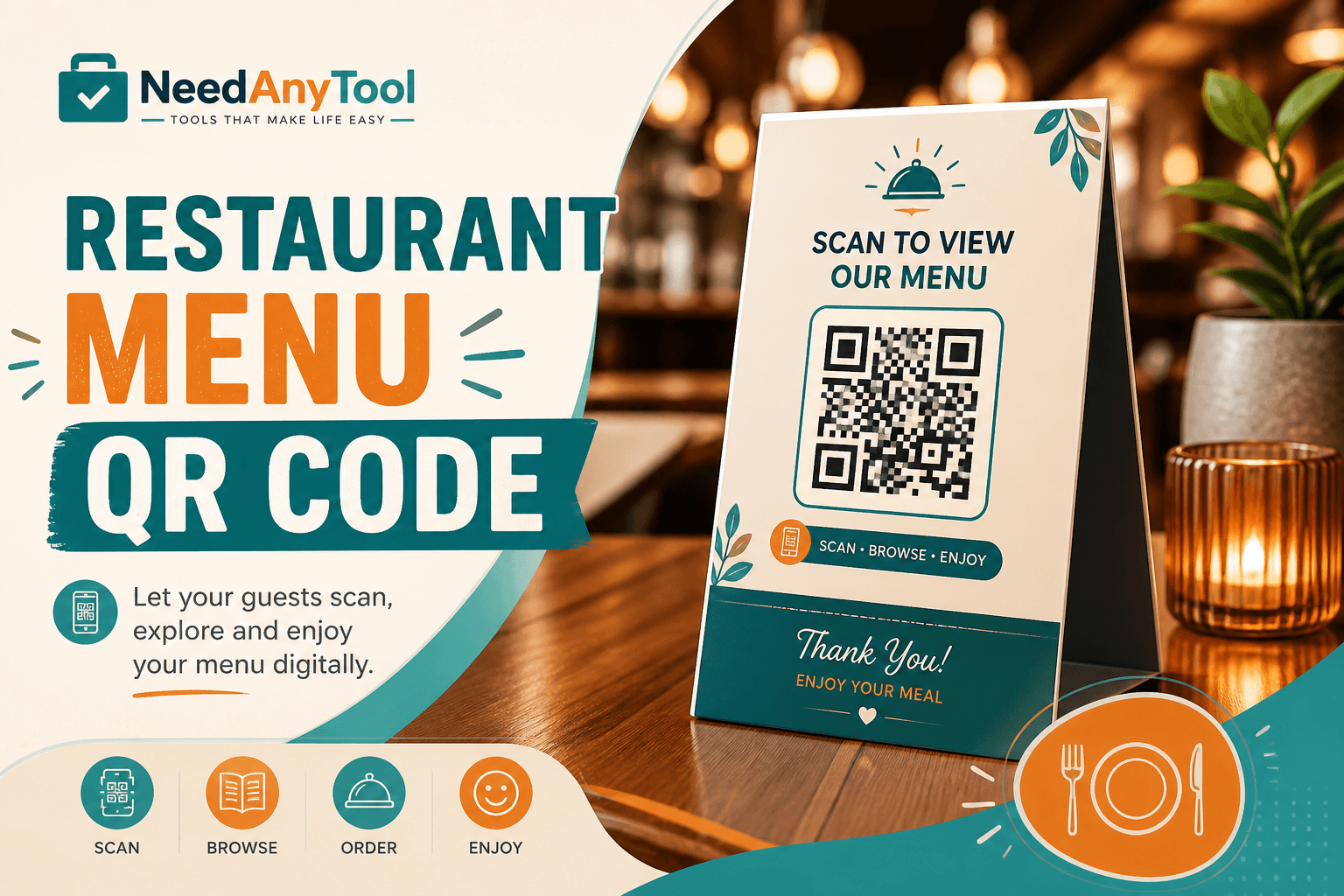
Printed menus are expensive to reprint every time you change a price or add a nightly special. A table QR that opens your current menu online means you update the page tonight and every table tent still works tomorrow.
Website QR points to wherever the menu lives — your own site, a PDF on your domain, an ordering page. Wi-Fi for the dining room is a separate job; handle that with Wi-Fi QR.
Three ways restaurants usually set this up
An HTML menu page is the easiest to edit and tends to load fastest on phones. A PDF on your website gives designers full layout control but can be slow if the file is huge — mobile diners bounce when a 12 MB PDF wheezes open on spotty data. A third-party ordering link gets you a built-in cart but ties you to someone else's platform.
Whatever you pick, host it somewhere you control and test on mobile data, not just the restaurant Wi-Fi.
Putting it on the table
Publish the menu at a short URL you own. Open Website QR, enter the HTTPS link, and download the code. Print table tents at 3–4 cm minimum — smaller codes frustrate diners holding phones at awkward angles.
When prices change, update the destination page. The QR itself stays the same, which is the whole point.
Other codes worth pairing
Phone QR for the reservations line. Location QR if your driveway entrance and dining room door are in different places. SMS QR for text-to-order where your POS supports it.
Practical details guests notice
Laminate tents or use wipeable sticker stock — greasy glass over a QR is a bad combo. Put the code on the tent top where it's visible, not buried under a condiment caddy. And keep at least one paper menu around for guests who can't or won't scan.
A static URL QR only reveals what you encoded. Analytics come from your menu page, not from the QR itself.
FAQ
Can I change the menu without printing new QRs?
Yes — as long as the URL stays the same. Swap the content behind the link whenever you want.
PDF or website — which loads better on phones?
Websites almost always win on speed. PDFs work if you keep them under roughly 2 MB and optimize for mobile viewing.
We serve in three languages. Three QRs per table?
One landing page with a language toggle is cleaner than three codes competing for attention on a small tent.
Can we put Wi-Fi and menu on the same QR?
You could, but separate codes labeled MENU and WI-FI reduce scan confusion. Guests know what they're getting before they point their camera.
17 on-device QR & barcode tools — nothing uploaded.
Related guides
QR Guides
Create a Website QR Code Online (No Upload)
Create a website QR code online free — encode any URL into a scannable QR. Private, on-device, no upload, no signup.
QR Guides
How to Scan a QR Code from an Image Online
How to read a QR code or barcode from a photo or screenshot in your browser — decode on-device, not a generic document scanner. Free, private, no upload.

QR Guides
Test a QR Code Before You Print It
Check a QR code before it goes on a poster, menu, or sticker. Test the link, the contrast, and a phone scan so the print actually works.