QR Guides
Create a Website QR Code Online (No Upload)
Create a website QR code online free — encode any URL into a scannable QR. Private, on-device, no upload, no signup.
NeedAnyToolPublished Updated 2 min read
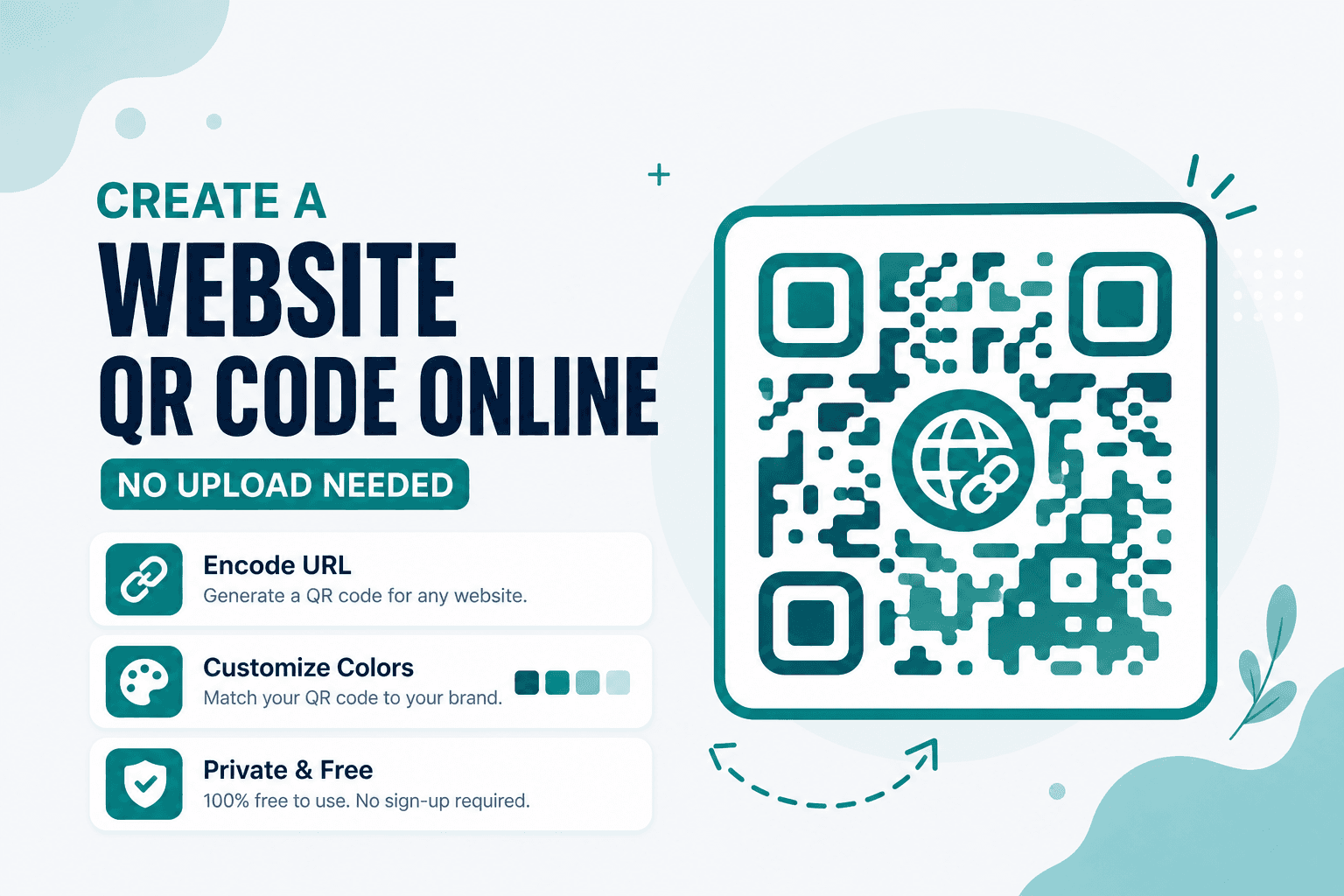
Nobody wants to type https://yourcompany.com/summer-sale?utm_source=flyer off a poster. A QR code does that work in one scan — and Website QR builds one in your browser without asking you to sign up or upload anything.
Paste your link, generate the image, download a PNG. The URL never leaves your device during generation, which is nice when you're running a campaign and don't feel like handing your landing pages to a random QR SaaS dashboard.
Where website QRs actually earn their keep
Flyers and packaging are the obvious ones. Someone scans, lands on your page, done. But they also work well on event badges (RSVP forms, schedules), product inserts (warranty registration, how-to videos), and slide decks where you want the audience to pull up a resource without squinting at tiny text.
If the destination is a long checkout or form URL, a QR sidesteps typos entirely. You can still use a shortener if you want cleaner analytics — the QR just encodes whatever string you give it.
Making one that scans reliably
Head to Website QR and paste the full URL. Include https:// when you can; some scanners get fussy without it. Generate, preview the target, and download.
Before you print five hundred stickers, test with your phone camera or Scan Code. Seriously — a two-second check saves a reprint.
Shorter URLs produce simpler QR patterns, which scan better at small sizes. If you're putting a code on a business card corner, keep the payload lean. Need to encode a plain note instead of a link? That's what Text QR is for.
Picking the right QR type
| What you're encoding | Tool |
|---|---|
| A webpage or app deep link | Website QR |
| A short message, coupon code, or ID | Text QR |
| Wi-Fi credentials | Wi-Fi QR |
A note on privacy
Everything happens on-device. Your URL and the generated image stay in your browser — no upload, no account, no tracking layer baked into the code itself. If you need visit analytics, that's what your website's own tools are for.
FAQ
Do I need a "dynamic" QR with click tracking?
Not for this tool. Website QR creates a static code that encodes your URL directly. The QR always points to exactly what you typed. Want metrics? Use UTM parameters in the URL or analytics on your site.
What happens if I change my website later?
The QR opens the URL you encoded — not a redirect service. Update the page at that address and the QR still works. Change the address itself? Generate a new code and swap the print file.
Can I use this offline?
Once the page has loaded in your browser, generation doesn't need a round trip to our servers. Handy if you're on spotty Wi-Fi at a print shop.
Is an account required?
No. Open the tool, make the code, download it. That's the whole flow.
17 on-device QR & barcode tools — nothing uploaded.
Related guides
QR Guides
Menu QR Code for a Restaurant Online
Make a restaurant menu QR code that opens your PDF or website — update the menu without reprinting stickers. Free QR generator in browser.
QR Guides
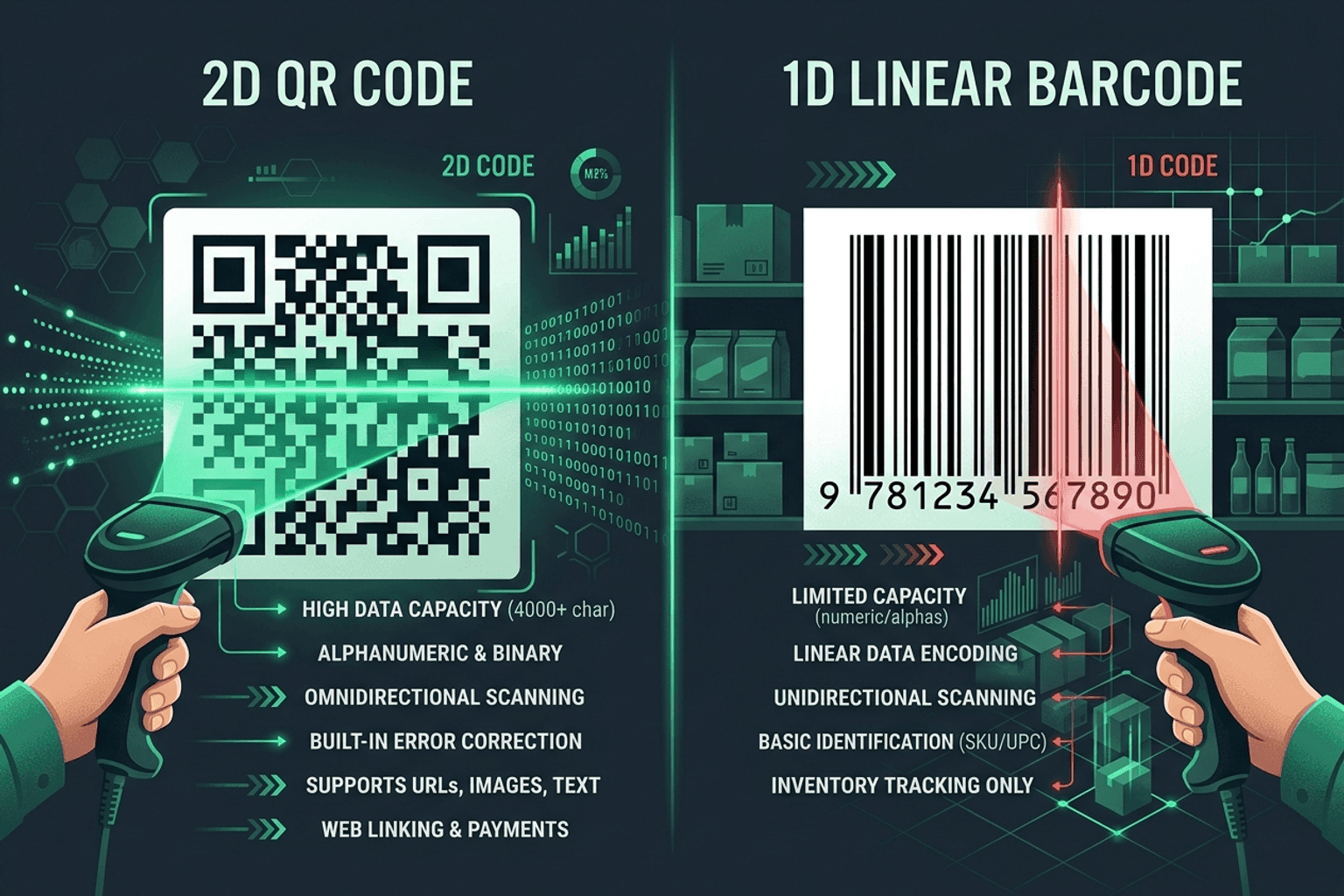
QR Code vs Barcode — Key Differences
Compare QR codes and traditional 1D barcodes across data capacity, scanning distance, error correction, and printing costs. Choose the right code for your project.

QR Guides
How to Create a Location QR Code for Maps
How to create a location QR code for maps — encode GPS coordinates so scanners open the place in Maps. Free generator in your browser.