QR Guides
Create a WhatsApp QR Code Online Free
Create a WhatsApp QR code online free — open a chat via wa.me from one scan. Private, on-device, no upload, no signup.
NeedAnyToolPublished Updated 2 min read
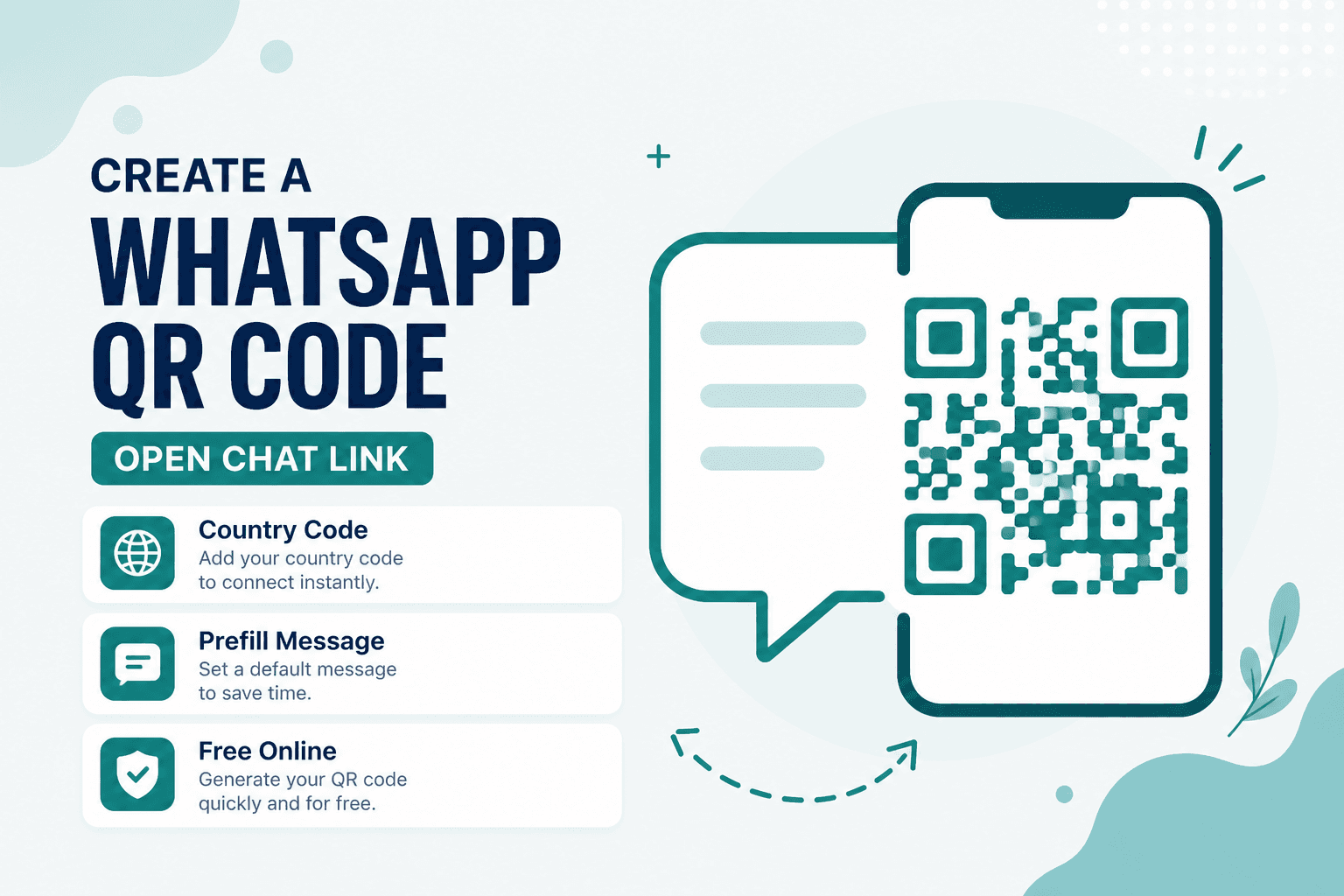
Telling someone "message me on WhatsApp" and then watching them fumble through country codes is its own kind of awkward. A WhatsApp QR opens the chat in one scan — no digits to type, no "wait, is that a 0 or an O?"
WhatsApp QR creates a wa.me-style code from your phone number. Generated in your browser, nothing uploaded, no signup wall.
Where this actually gets used
Restaurant counters where staff prefer chat over phone calls. Storefront windows with a "questions?" sticker. Freelancer invoices with a support line that isn't a phone line. Event materials where an international audience makes manual dialing error-prone.
Print ads, packaging inserts, trade show banners — anywhere typing a phone number is friction you don't need.
Setting it up
Open WhatsApp QR and enter your number in full international format: country code first, no leading zeros, no extra formatting characters. +14155551234, not (415) 555-1234.
If the tool supports a prefilled message, use it for context — "Hi, I saw your ad in the March issue" gives you a head start on filtering real inquiries from spam.
Generate, download, and test on both Android and iOS before printing. Confirm the chat opens to the right account, not your old business number you forgot was still on a flyer somewhere.
For a full contact card (name, email, multiple channels), use Contact (vCard) QR. For email-first support, see Email QR.
WhatsApp vs vCard vs email
| Goal | Tool |
|---|---|
| Open a WhatsApp chat | WhatsApp QR |
| Save name and multiple contact methods | Contact (vCard) QR |
| Open an email draft | Email QR |
Privacy
Your number and the generated image stay on your device. No upload to our servers for this workflow.
FAQ
Does the scanner need WhatsApp installed?
Yes. The QR opens a wa.me link that hands off to WhatsApp. Without the app (or a browser flow that can reach it), the scan won't complete as expected.
Should I include the country code?
Always. A number without a country code resolves differently depending on where the scanner is located. Full international format avoids that ambiguity.
Can I track how many people scanned?
This creates a static QR — no built-in analytics. If you need engagement metrics, WhatsApp Business tools or a landing page with your own tracking is the way to go.
Do I need an account?
No. Open the tool, enter your number, download the code.
17 on-device QR & barcode tools — nothing uploaded.
Related guides
QR Guides
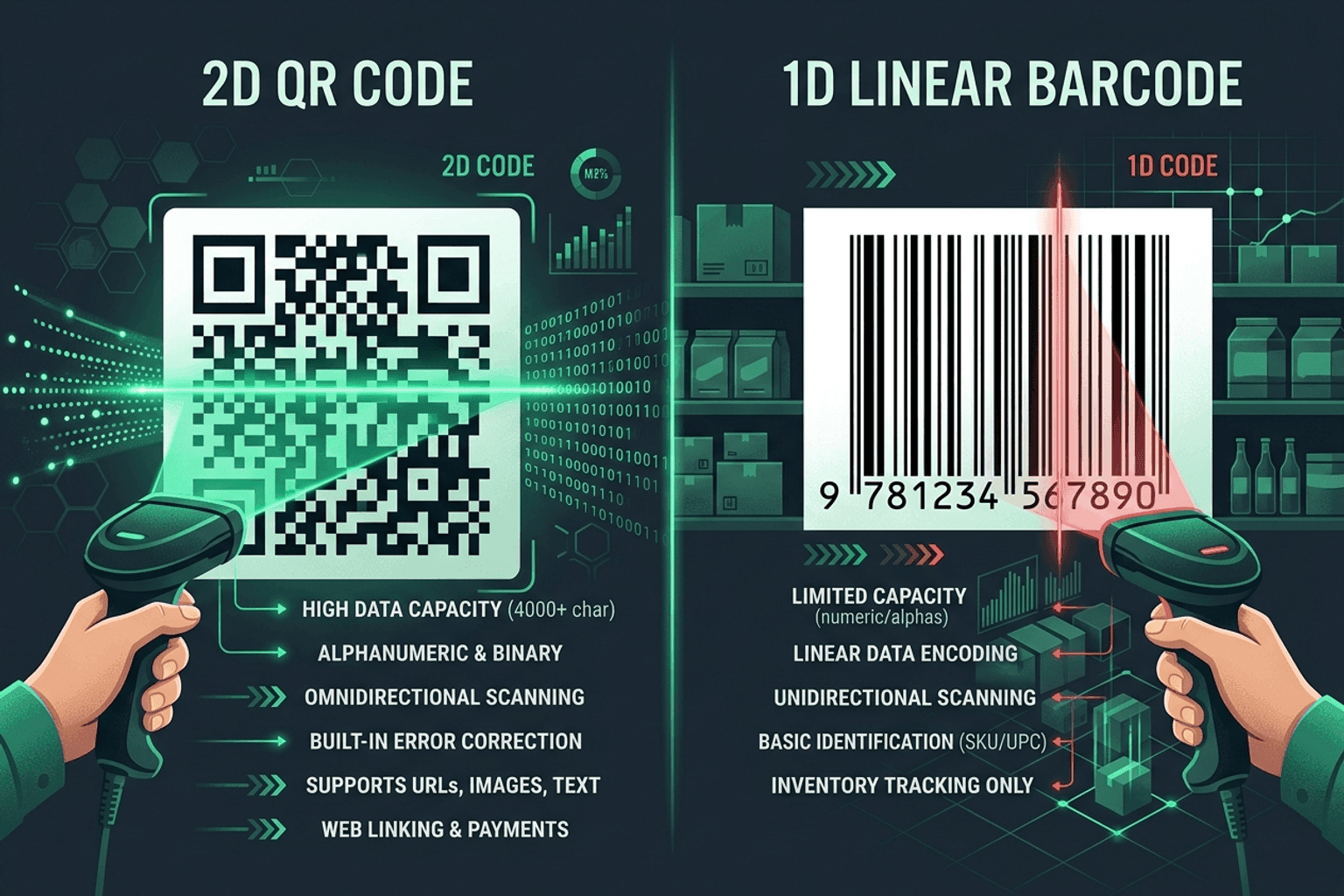
QR Code vs Barcode — Key Differences
Compare QR codes and traditional 1D barcodes across data capacity, scanning distance, error correction, and printing costs. Choose the right code for your project.
QR Guides
How to Create a Location QR Code for Maps
How to create a location QR code for maps — encode GPS coordinates so scanners open the place in Maps. Free generator in your browser.
QR Guides
How to Create a Phone Number QR Code Online
How to create a phone number QR code online — scanners open the dialer with your number pre-filled. Free, in your browser, no app install.