QR Guides
Wi-Fi QR Free — Guests Join by Scan, No Upload
Create a free Wi-Fi QR so guests join by scanning. Private on-device generator — no upload, no signup.
NeedAnyToolPublished Updated 2 min read
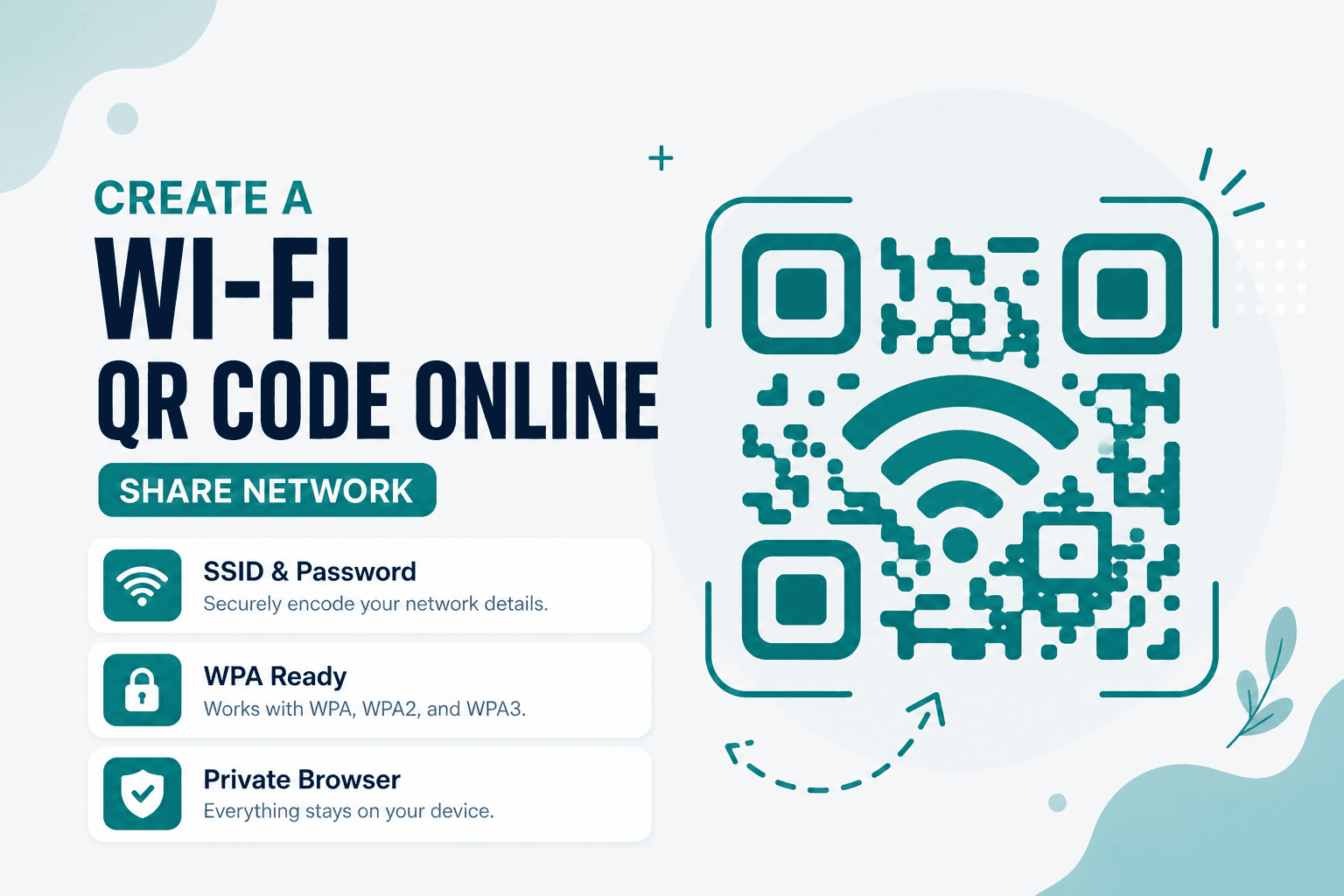
Stop reading K#9mP!xR2vQn aloud to guests. Wi-Fi QR builds a free network QR in your browser from SSID, security type, and password — private, no upload. Guests scan, join, done.
A Wi-Fi QR code fixes the password dance. Put it on Airbnb cards, cafe stickers, or office lobby signs. Test once on your phone, then leave it until the password rotates.
Good places to put one
Airbnb welcome cards. Cafe counter stickers. Office lobby signs. Router labels for family members who visit twice a year. Event venues running a temporary guest network.
The pattern is the same: put the QR where people naturally look when they need internet, test it once on your own phone, then forget about it until the password rotates.
Building the code
Open Wi-Fi QR and enter the SSID exactly as it appears in your router settings or phone's Wi-Fi list. Case matters. Hidden spaces matter. Copy-paste from your admin panel if you can.
Pick the security type (WPA/WPA2 for most home and office networks), enter the password, generate, and download.
Test before you print. A QR that doesn't connect is worse than no QR — guests will assume your internet is broken.
If you're sharing Wi-Fi widely, consider a guest network with limited access rather than your main LAN. And if you need to send people to a help page instead of joining a network, Website QR is the right tool.
Quick comparison
| Goal | Tool |
|---|---|
| Join Wi-Fi without typing a password | Wi-Fi QR |
| Share a short note or code | Text QR |
| Open a portal or help page | Website QR |
Privacy
Your SSID and password stay on your device during generation. We don't receive them, store them, or route them through a server for this workflow.
FAQ
Will every phone connect automatically?
Most modern iPhones and Android devices show a "Join Network" prompt after scanning a properly formatted Wi-Fi QR. Older phones or unusual camera apps may need a dedicated QR reader that understands Wi-Fi payloads.
What if my network name has special characters?
Enter it exactly as devices see it. An extra space or wrong capitalization will cause join failures that are maddening to debug.
Is it safe to print the QR on a public sign?
Anyone who scans it can attempt to join that network. For public-facing signs, use a guest SSID. If the password changes, generate a new QR and replace the print.
Do I need an account?
No account, no signup. Just the tool and your network details.
17 on-device QR & barcode tools — nothing uploaded.
Related guides
QR Guides
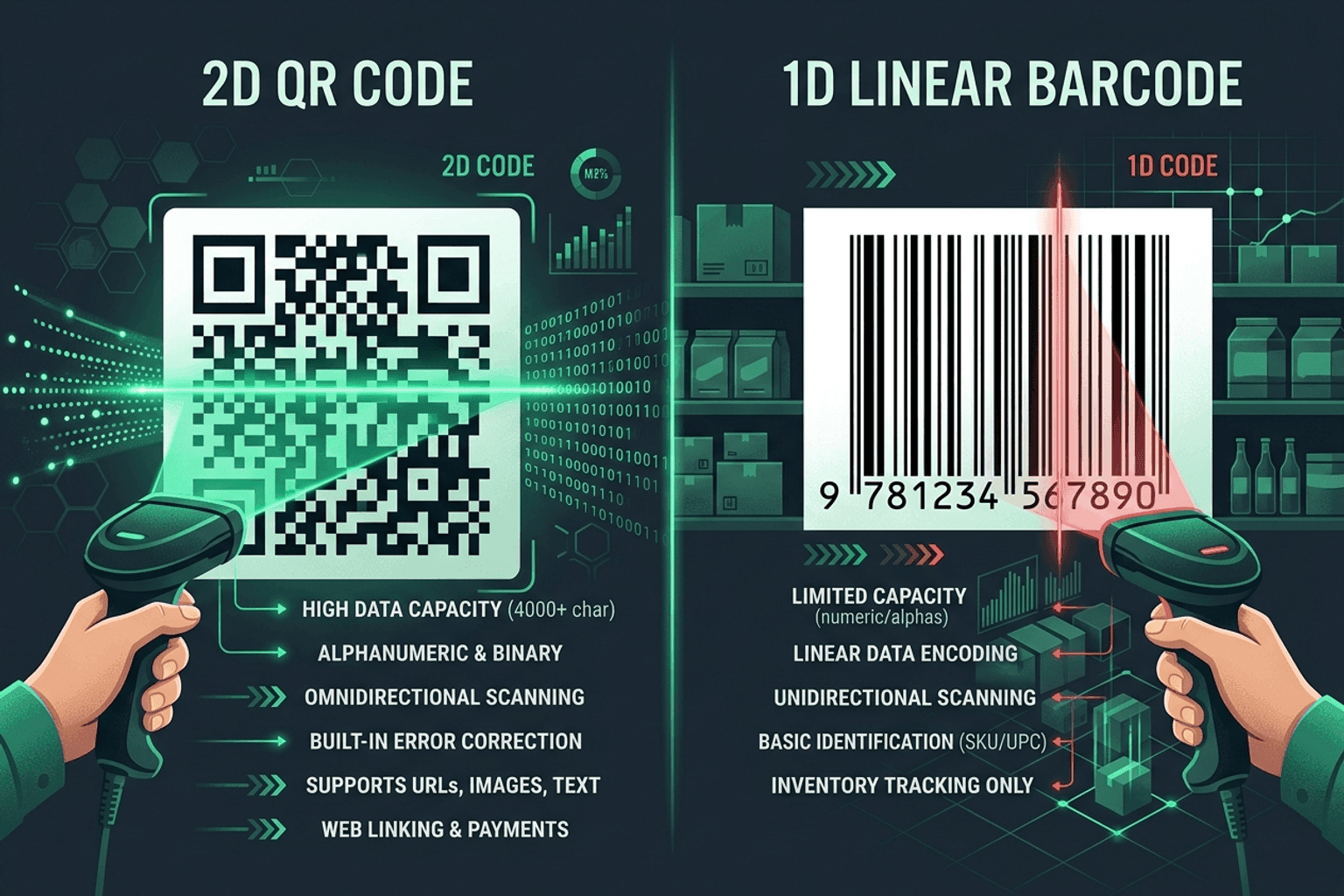
QR Code vs Barcode — Key Differences
Compare QR codes and traditional 1D barcodes across data capacity, scanning distance, error correction, and printing costs. Choose the right code for your project.

QR Guides
How to Create a Location QR Code for Maps
How to create a location QR code for maps — encode GPS coordinates so scanners open the place in Maps. Free generator in your browser.
QR Guides
How to Create a Phone Number QR Code Online
How to create a phone number QR code online — scanners open the dialer with your number pre-filled. Free, in your browser, no app install.