QR Guides
Scan Barcodes Live — Camera, No App
Scan barcodes and QR codes with your camera in the browser — no app install. Read product, warehouse, and event codes instantly.
NeedAnyToolPublished Updated 2 min read
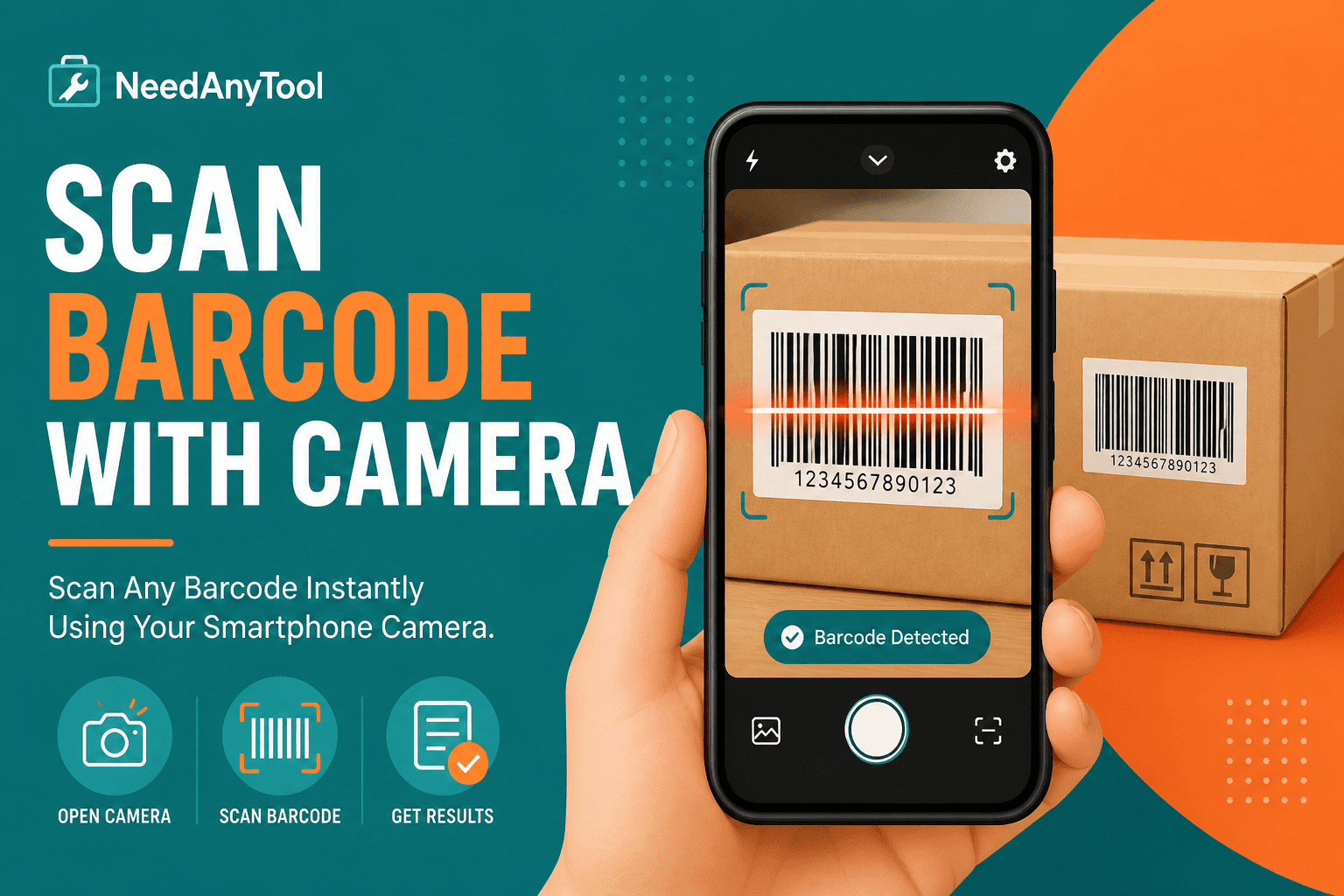
Dedicated scanner apps are fine until you're on a locked-down kiosk, a shared tablet with no storage left, or a work phone where IT won't let you install anything. A browser scanner opens in one tap and uses the camera you already have.
Scan Code reads QR codes and a wide range of barcode formats through your device camera. Already got the code in a photo or screenshot? Switch to Scan from Image.
What live scanning handles well
QR codes on posters, flyers, and event badges. Code 128 on shipping labels in decent light. EAN and UPC on product packaging when you're close enough and the label isn't wrecked. Quick sanity checks on codes you generated yourself before you trust a random sticker.
Using it in the field
Open Scan Code and allow camera permission when the browser asks. Hold the code in frame about 30 cm away and keep steady for a second. Read the decoded text before you tap any links — phishing QR codes are a real thing, and a second of caution beats a compromised account.
Glossy labels giving you trouble? Tilt the phone slightly to kill the glare instead of fighting it head-on.
Camera scan vs image upload
Code right in front of you right now? Live camera. Screenshot, email attachment, or archival photo? Scan from Image. High-volume product lookup at a checkout counter? You'll still want dedicated POS hardware — browsers aren't built for that throughput.
Staying safe with unknown codes
Preview URLs before opening them. If you're putting codes on corporate posters, generate them yourself with Website QR so you know exactly where they point.
Camera frames process locally in the browser. No account, no upload to a server.
FAQ
Will it use the back camera on my phone?
Usually yes — browsers default to the rear camera for scanning. Some UIs offer a switch if you need the front cam for testing.
I denied camera permission by accident. Now what?
Go into your browser's site settings, allow camera access for the page, and reload.
The barcode looks damaged. Any tricks?
Move closer, add light, hold steadier. If it's still failing, take a sharp photo and try Scan from Image instead.
Does this work on a laptop?
Laptop webcams are fine for desk testing. For actual field work, a phone camera is almost always better.
17 on-device QR & barcode tools — nothing uploaded.
Related guides

QR Guides
Test a QR Code Before You Print It
Check a QR code before it goes on a poster, menu, or sticker. Test the link, the contrast, and a phone scan so the print actually works.
QR Guides
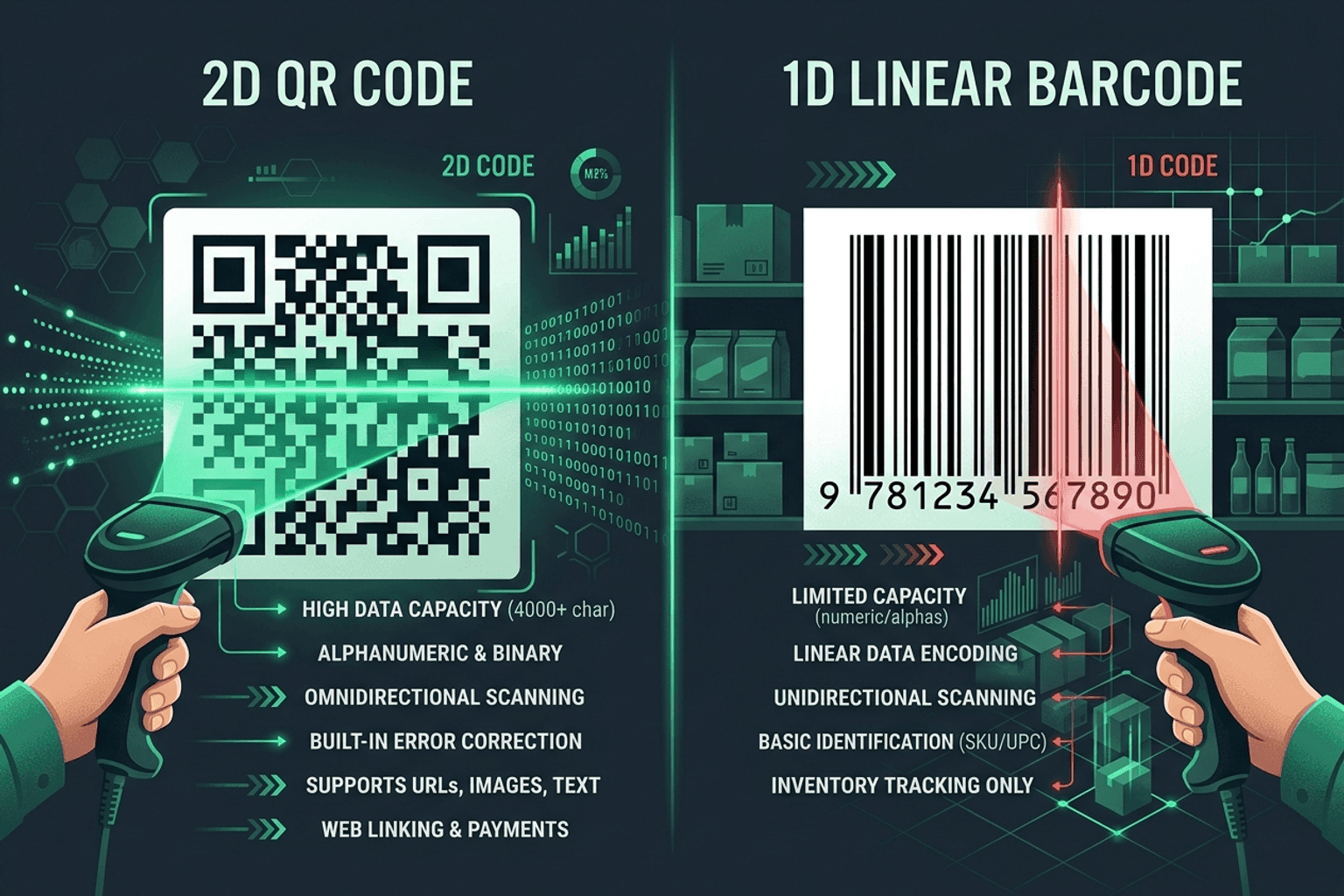
QR Code vs Barcode — Key Differences
Compare QR codes and traditional 1D barcodes across data capacity, scanning distance, error correction, and printing costs. Choose the right code for your project.
QR Guides
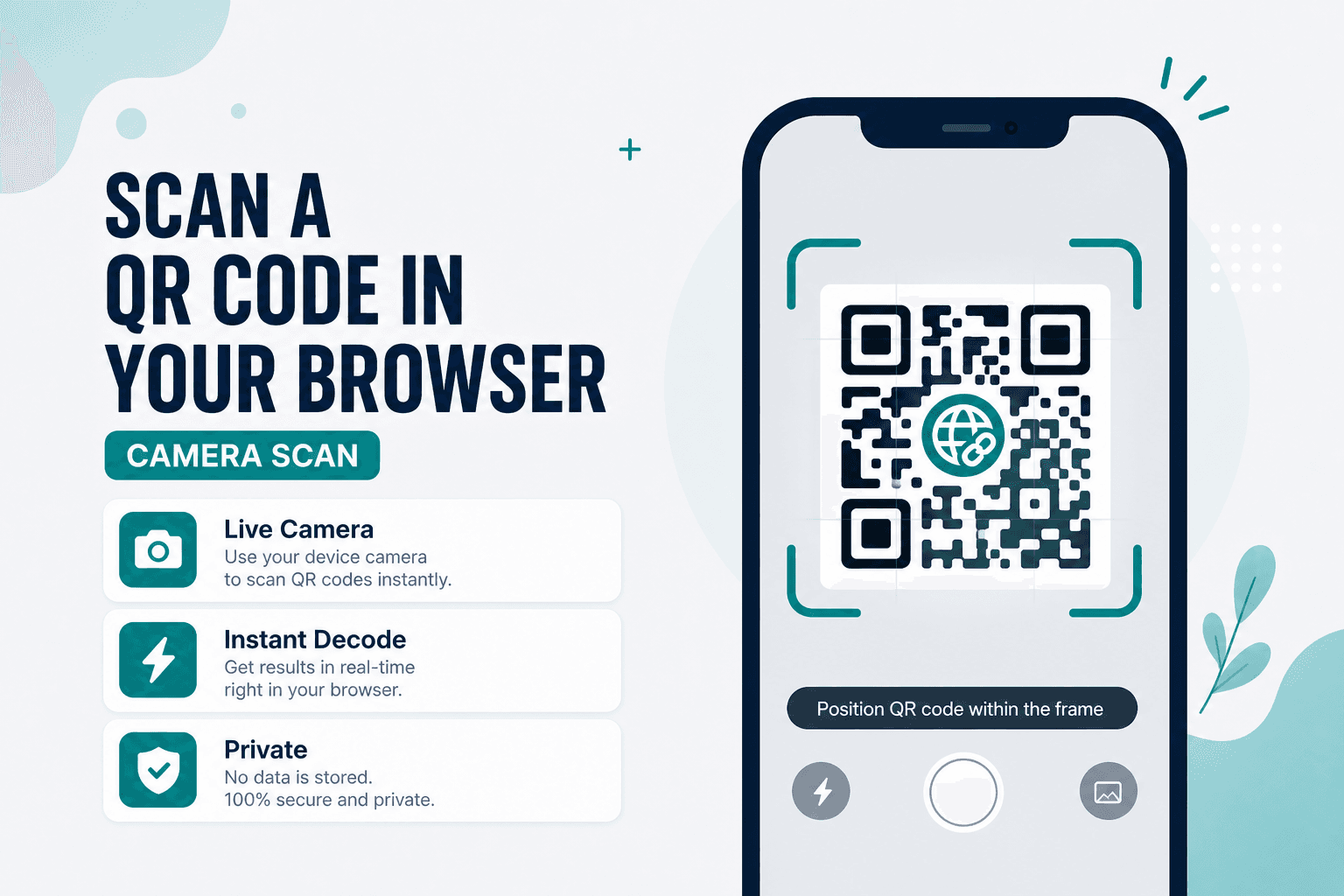
How to Scan a QR Code in Your Browser (Camera)
How to scan a QR code in your browser with the camera — decode codes on-device, free, no app install, no upload, no signup.