Text Guides
Remove Line Breaks from Pasted Text (PDF & Email)
Fix hard line breaks from PDF and email paste. Join broken lines into readable paragraphs in your browser with NeedAnyTool — private, free.
NeedAnyToolPublished 1 min read
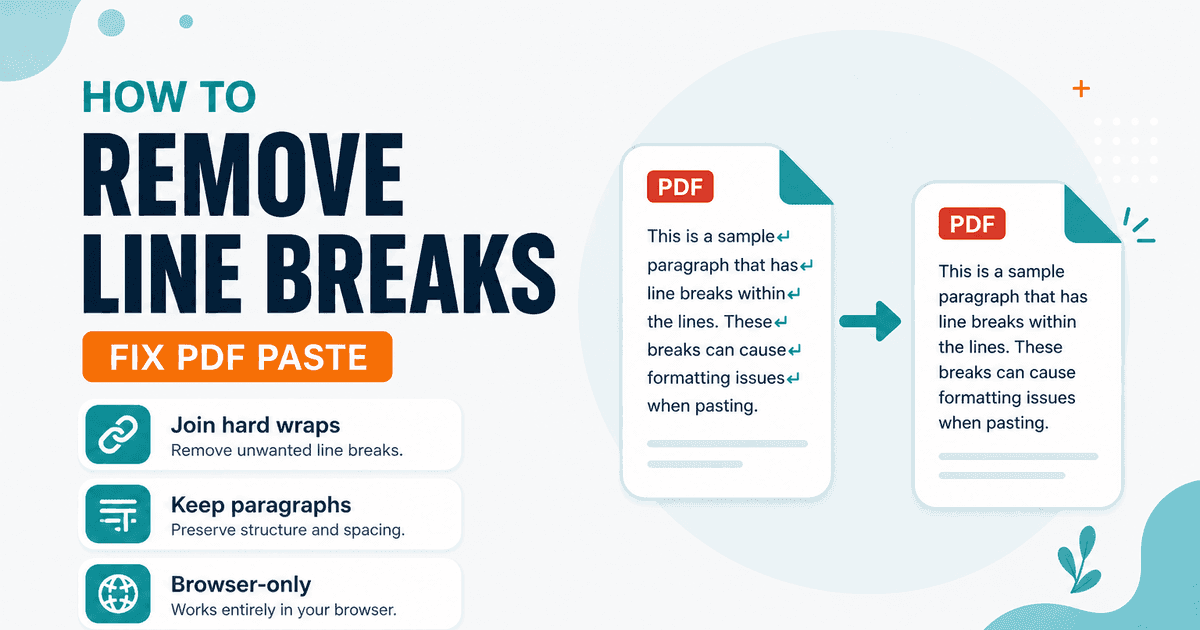
You copy a paragraph from a PDF and drop it into a doc. Suddenly every line ends mid-sentence. The text isn’t wrong — the PDF wrapped at the column edge and the clipboard kept those hard breaks.
Remove Line Breaks joins those wraps so the copy reads as normal prose again. Three modes cover the usual cases:
| Mode | What it does |
|---|---|
| Replace with spaces | Each line becomes part of one continuous paragraph (good for single blocks). |
| Remove entirely | Deletes newlines with no spaces — rare, but useful for jammed tokens. |
| Keep paragraphs | Joins lines inside a paragraph; blank-line gaps between paragraphs stay. |
CRLF and LF are normalized first so Windows and Unix pastes behave the same.
A practical cleanup order
- Paste into Remove Line Breaks and choose Keep paragraphs for multi-paragraph PDF extracts.
- If you still see double spaces or ragged edges, run Remove Extra Spaces.
- Count length with Word Counter once the text is readable.
This tool does not invent hyphen repair for words split as exam- + ple across lines — review those by eye if your PDF used discretionary hyphens.
When you should not strip every break
Keep line breaks when the paste is a poem, a code block, an address list, or a CSV-style one-item-per-line list. For lists you want unique, use Remove Duplicate Lines instead of joining everything into a paragraph.
FAQ
Will this upload my document?
No. The paste is processed in the browser only.
Does “keep paragraphs” mean blank lines stay?
Yes — blocks separated by blank lines stay separate; only single newlines inside a block are joined with spaces.
Related guides
Text Guides
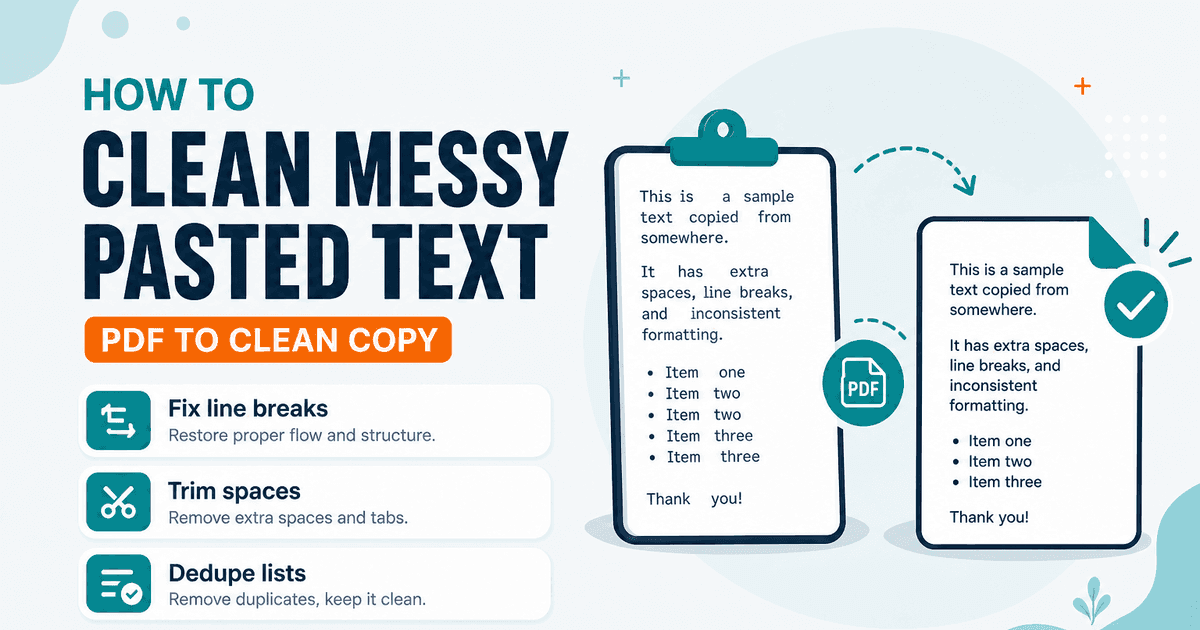
Clean Messy Pasted Text Online
A practical workflow to clean PDF and email paste: fix line breaks, trim spaces, dedupe lines, then count. Free NeedAnyTool text utilities.
Text Guides
Count Sentences Online — Scripts, Essays & Transcripts
Count sentences in essays, scripts, and transcripts in your browser. Free Sentence Counter — private, no upload — NeedAnyTool.
Text Guides
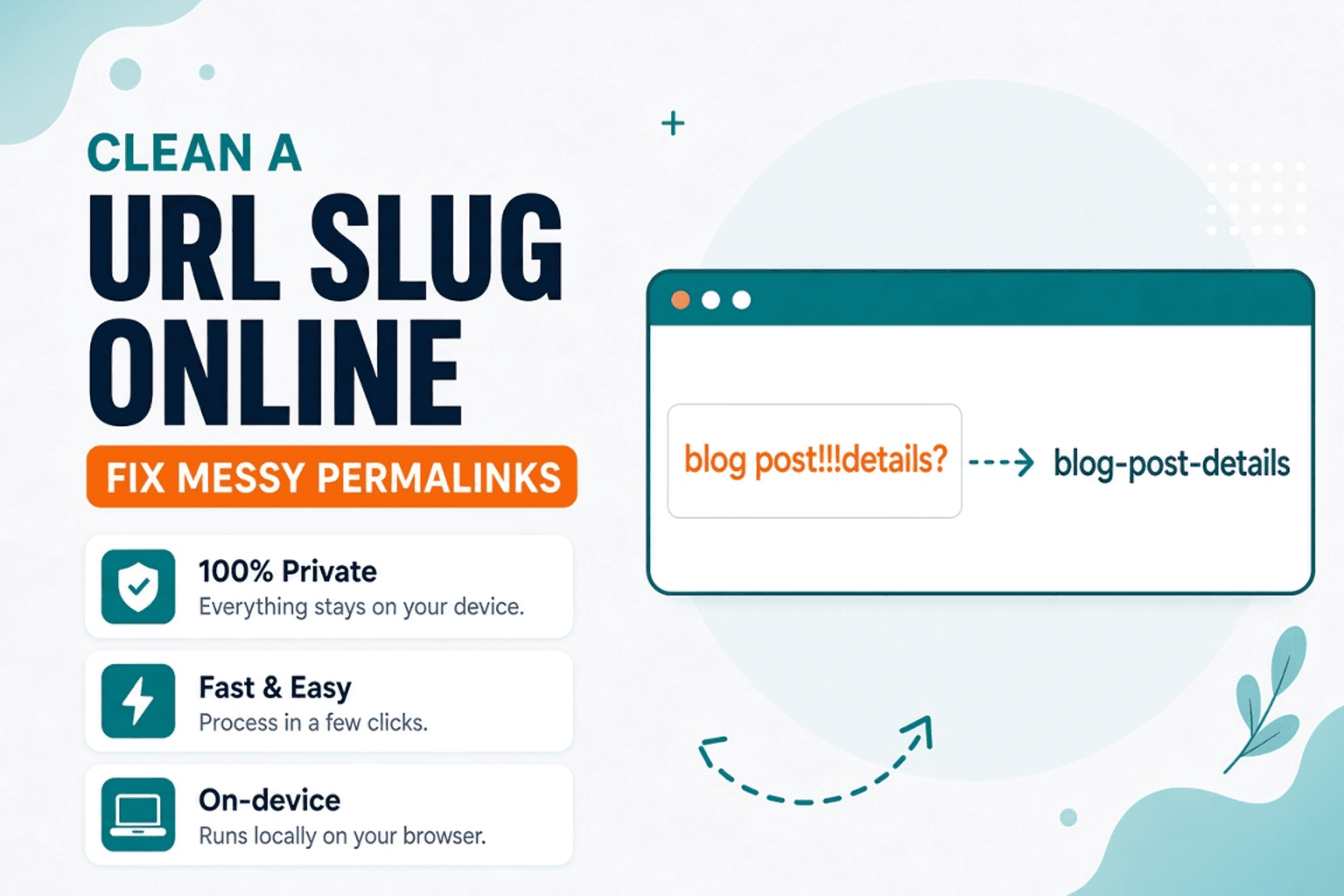
Clean a URL Slug Online — Fix Messy Permalinks
Clean messy URL slugs — fix spaces, punctuation, and ugly separators. Free URL Slug Cleaner in your browser — NeedAnyTool.