Text Guides
Analyze Word Frequency Online — Spot Overused Words
See which words appear most in your draft, with optional English stop-word filtering. Free Word Frequency tool — private, in-browser — NeedAnyTool.
NeedAnyToolPublished 1 min read
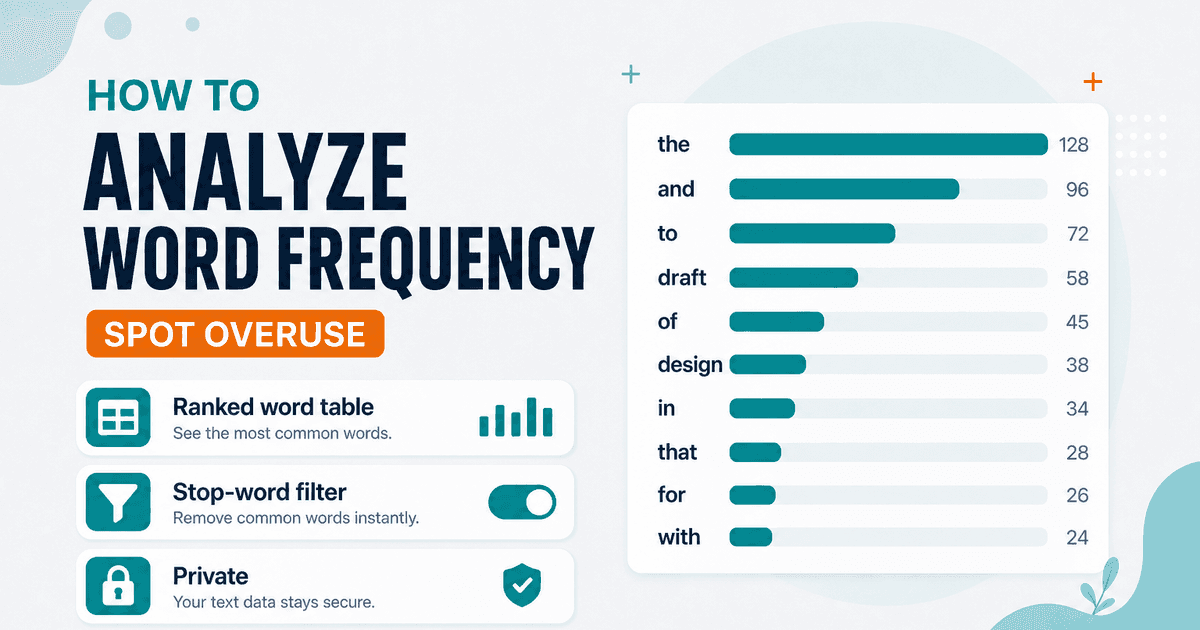
You reread a draft and it still feels soggy — the same adjective shows up in every paragraph. A frequency table makes the habit obvious.
Word Frequency ranks words by count and share of the text. Matching is case-insensitive (Team and team merge). An optional English stop-word filter hides common glue words so content words rise to the top.
How to use it
- Open Word Frequency.
- Paste the article or chapter.
- Toggle stop words if you want signal over noise.
- Note the top offenders, then revise — Find and Replace helps swap a repeated phrase.
For a simple total length check, use Word Counter. To list only words that appear more than once (without full ranking UI emphasis), Duplicate Word Finder is a thinner cousin of the same idea.
Limits
- Stop lists are a fixed English set — not custom per project.
- This is not a full SEO “keyword density” suite with n-grams or search-volume data. It’s a writing aid for repetition.
FAQ
Are counts case-sensitive?
Grouping is case-insensitive in the current tool.
Uploaded?
No. Analysis stays in the browser.
Related guides
Text Guides
Count Sentences Online — Scripts, Essays & Transcripts
Count sentences in essays, scripts, and transcripts in your browser. Free Sentence Counter — private, no upload — NeedAnyTool.
Text Guides
Clean a URL Slug Online — Fix Messy Permalinks
Clean messy URL slugs — fix spaces, punctuation, and ugly separators. Free URL Slug Cleaner in your browser — NeedAnyTool.
Text Guides
Compare Two Texts Online — Line Diff in Your Browser
Diff two versions of text line by line. Free Text Compare tool — see added and removed lines privately in your browser with NeedAnyTool.