PDF Guides
Unlock a PDF Online When You Know the Password
Unlock a password-protected PDF in your browser when you have the open password. Remove the lock and save an unrestricted copy — privately.
NeedAnyToolPublished Updated 2 min read
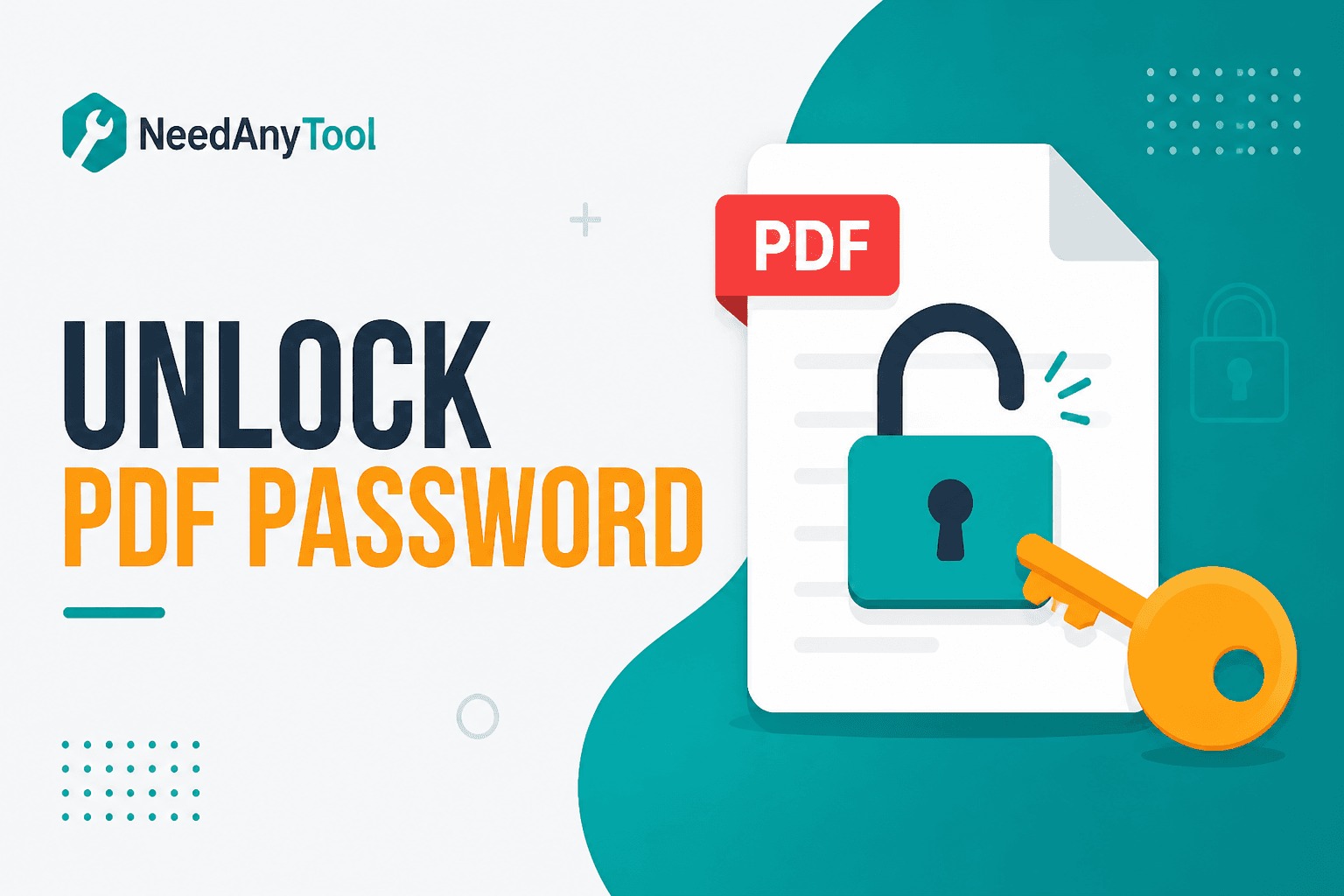
You know the password — but every time you open the file, your reader asks again. Unlocking saves a copy without the open prompt, assuming you're allowed to.
Unlock PDF removes the open password when you supply the correct one. It's not for breaking unknown passwords. To add protection later, use Protect PDF.
Legitimate reasons to unlock
Old bank exports and insurance packets often arrive password-locked to your birthday or policy number. You know the password — your PDF reader just won't stop asking.
Archiving a personal copy without daily password prompts. Feeding a locked export into Merge or Compress. Sharing inside a team that already has the password through another channel. Preparing a file for Fill PDF forms when tools choke on encryption.
How to unlock a file
Open Unlock PDF, choose the locked PDF, and enter the open password exactly — watch caps lock and trailing spaces. Download the unlocked copy to a new filename so you don't overwrite the protected master.
Password entry and decryption run locally. Credentials never hit a server.
Store the unlocked file only where policy allows. Keep the protected original if your workflow requires it.
What unlock won't do
Crack forgotten passwords. Remove print restrictions when the PDF uses separate permission flags without an open password. Prove you had legal right to decrypt — that's on you.
| Action | Tool |
|---|---|
| Remove known open password | Unlock |
| Add AES open password | Protect |
| Strip document metadata | Remove metadata |
FAQ
I forgot the password — will this help?
No. You need the correct open password or the original unprotected source.
Is unlocking the same as cracking?
No. You must know the password. Unauthorized access may violate law and policy.
Will the PDF quality change after unlocking?
No — content is decrypted, not re-rendered.
Should I delete the locked original?
Keep the protected master if your workflow requires it. Use unlocked copies only where appropriate.
30 on-device PDF tools — nothing uploaded.
Related guides
PDF Guides
Sign a PDF Online Without Printing or Uploading
Sign a PDF online free — draw an electronic signature without printing or uploading. E-sign PDF forms in your browser with NeedAnyTool.
PDF Guides
How to Merge PDF Files Without Uploading
How to merge and combine PDF files in your browser with no upload. Private on-device merge — reorder files, download one document.
PDF Guides
How to Add a Watermark to a PDF Online
Add a watermark to a PDF online — stamp Draft, Confidential, or a logo across pages. Free PDF watermark tool in your browser, no upload.