Image Guides
Resize Images for YouTube Thumbnails (1280×720)
Size images for YouTube thumbnails — 1280×720, 16:9 — online in your browser. Crop and export click-worthy covers without Photoshop.
NeedAnyToolPublished Updated 2 min read
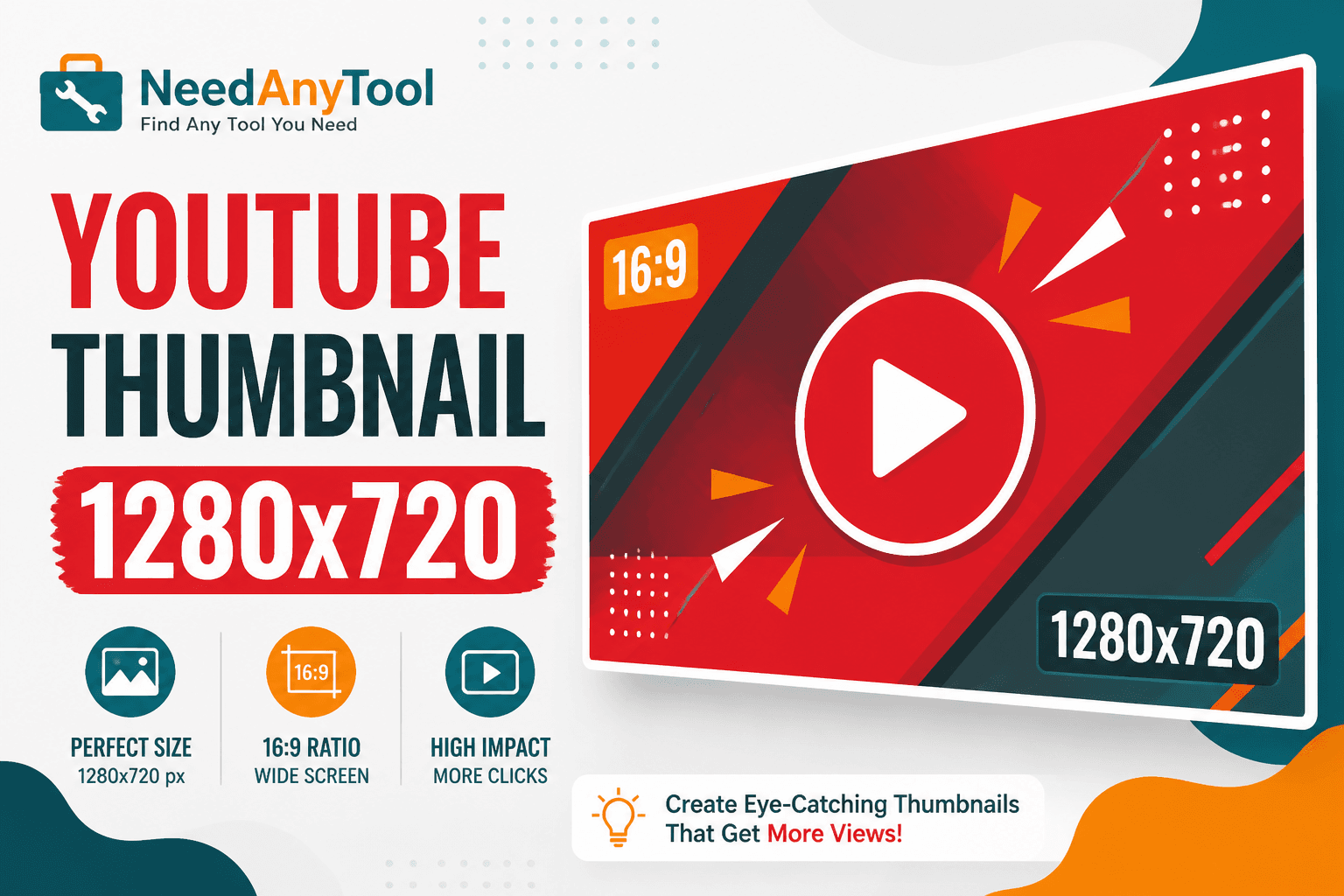
Your thumbnail is a billboard in a feed of billboards. YouTube recommends 1280 × 720 pixels, 16:9 aspect ratio, under 2 MB. On a phone screen that's maybe 120 pixels wide, three words and one clear face beat a busy collage every time. The cooking channel with a shocked expression and one ingredient usually outperforms the one with six lines of tiny text.
Social Media Sizes crops to YouTube's preset. Need to nail a custom focal point first? Crop gives you more control over composition.
What actually gets clicks
One obvious subject — a face, a product, a reaction. Huge high-contrast text, three words max. Background that separates from YouTube's dark UI. And please, no misleading bait the video can't deliver; comment sections have long memories.
Place your subject on the left two-thirds. YouTube's timestamp sits bottom-right and will cover anything you put there.
From frame to upload
Start from a high-res still or an exported video frame — not a screenshot of a screenshot. Open Social Media Sizes, pick YouTube thumbnail, position your subject, download. Punch up brightness and contrast in Adjust so it reads on a small screen. Compress Image to stay under that 2 MB cap.
| Asset | Size |
|---|---|
| YouTube thumbnail | 1280 × 720 |
| Channel banner | 2560 × 1440 (safe centre) |
| Shorts vertical | 1080 × 1920 |
Shorts use vertical 9:16 — totally different crop. See Instagram Story crop for ratio tips on vertical video covers.
Multi-platform sizing lives in Resize image for social media. Series branding? Add text watermark after you've locked the composition.
FAQ
YouTube says minimum 640px wide — is 1280 overkill?
640 is the floor. 1280 gives you clarity when YouTube scales down on different devices.
PNG or JPG for thumbnails?
JPG usually stays under 2 MB. PNG if you need razor-sharp text edges and file size isn't tight.
Will my text be readable on a TV?
Test at thumbnail size on your phone. Monitor "fit to window" previews are useless for this.
Can I reuse the same file for Shorts?
No — Shorts want 9:16 vertical. Different crop entirely.
Related guides
Image Guides
Crop Photos to Instagram Story Size (9:16)
Crop photos to Instagram Story size (1080×1920, 9:16) online — no app required. Free browser crop with safe-zone tips.
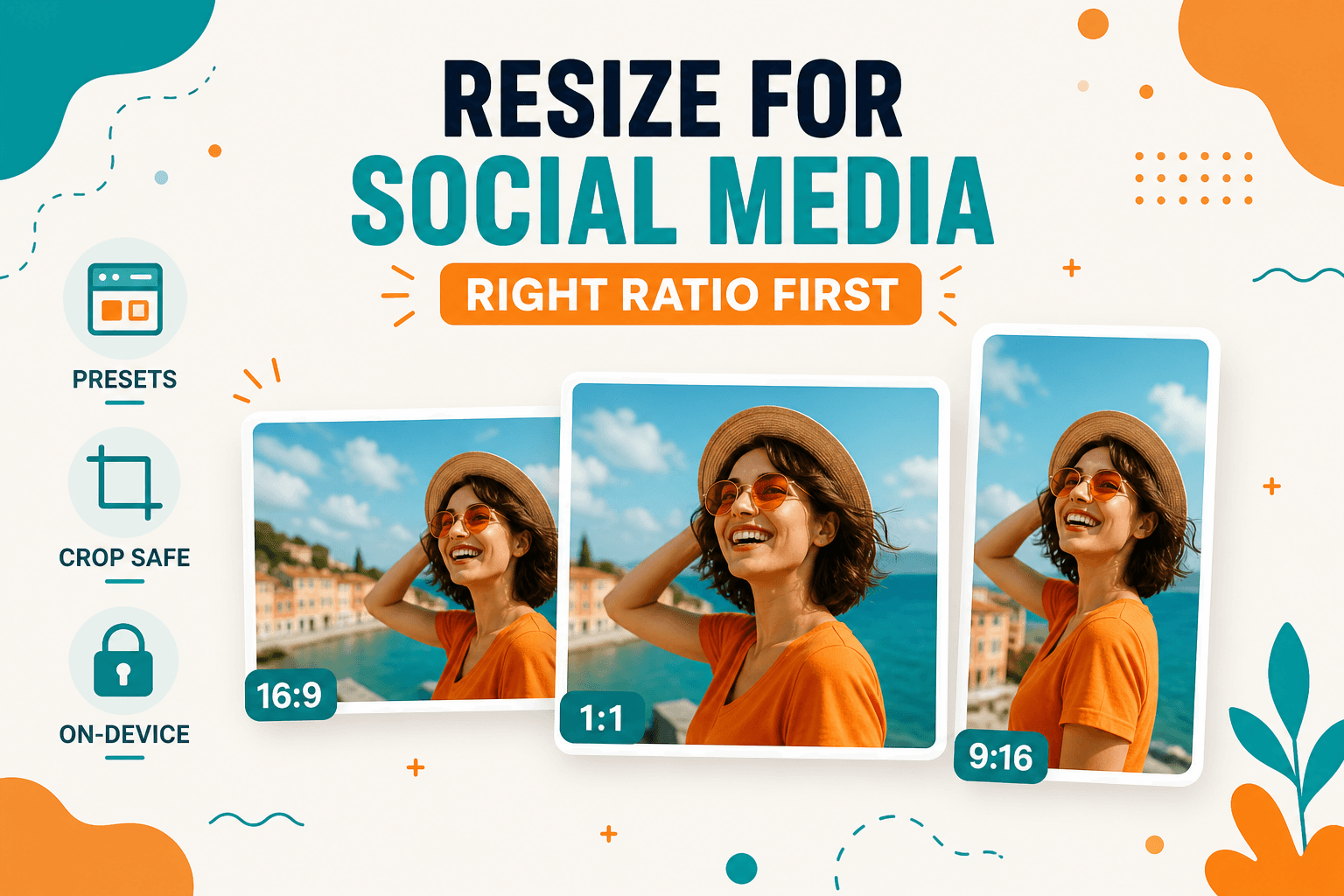
Image Guides
How to Resize Images for Instagram, LinkedIn, and Social Posts
How to resize images for Instagram, LinkedIn, YouTube, X, and Facebook using browser presets — crop and resize on-device, no upload.
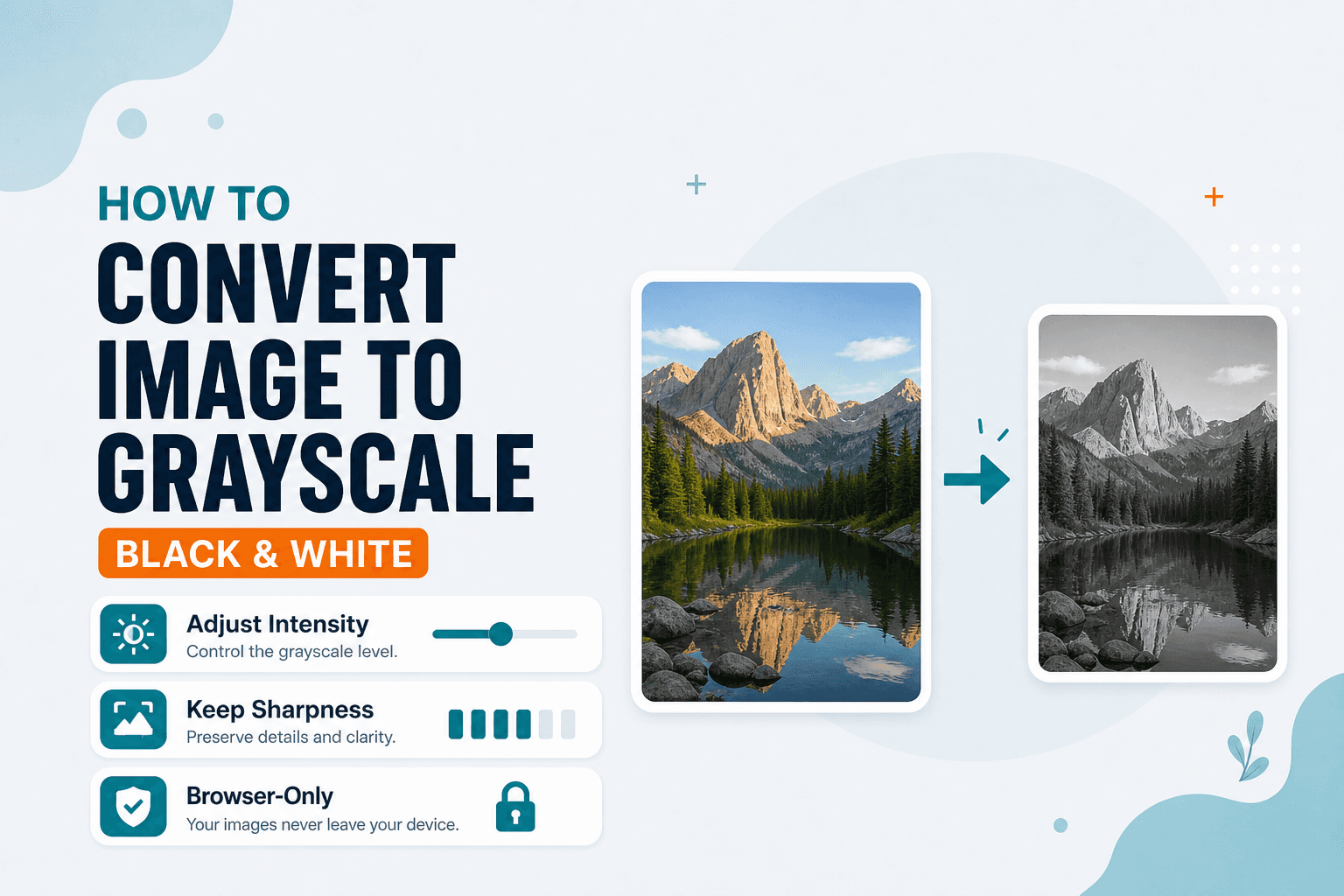
Image Guides
How to Convert an Image to Grayscale (Black & White)
How to convert an image to grayscale online — turn a color photo black and white in your browser. Desaturate JPG/PNG with no upload.