PDF Guides
Fill PDF Forms Online Without Printing
Fill interactive PDF forms in your browser — text fields, checkboxes, and dropdowns on your device. No print, scan, or upload.
NeedAnyToolPublished Updated 2 min read
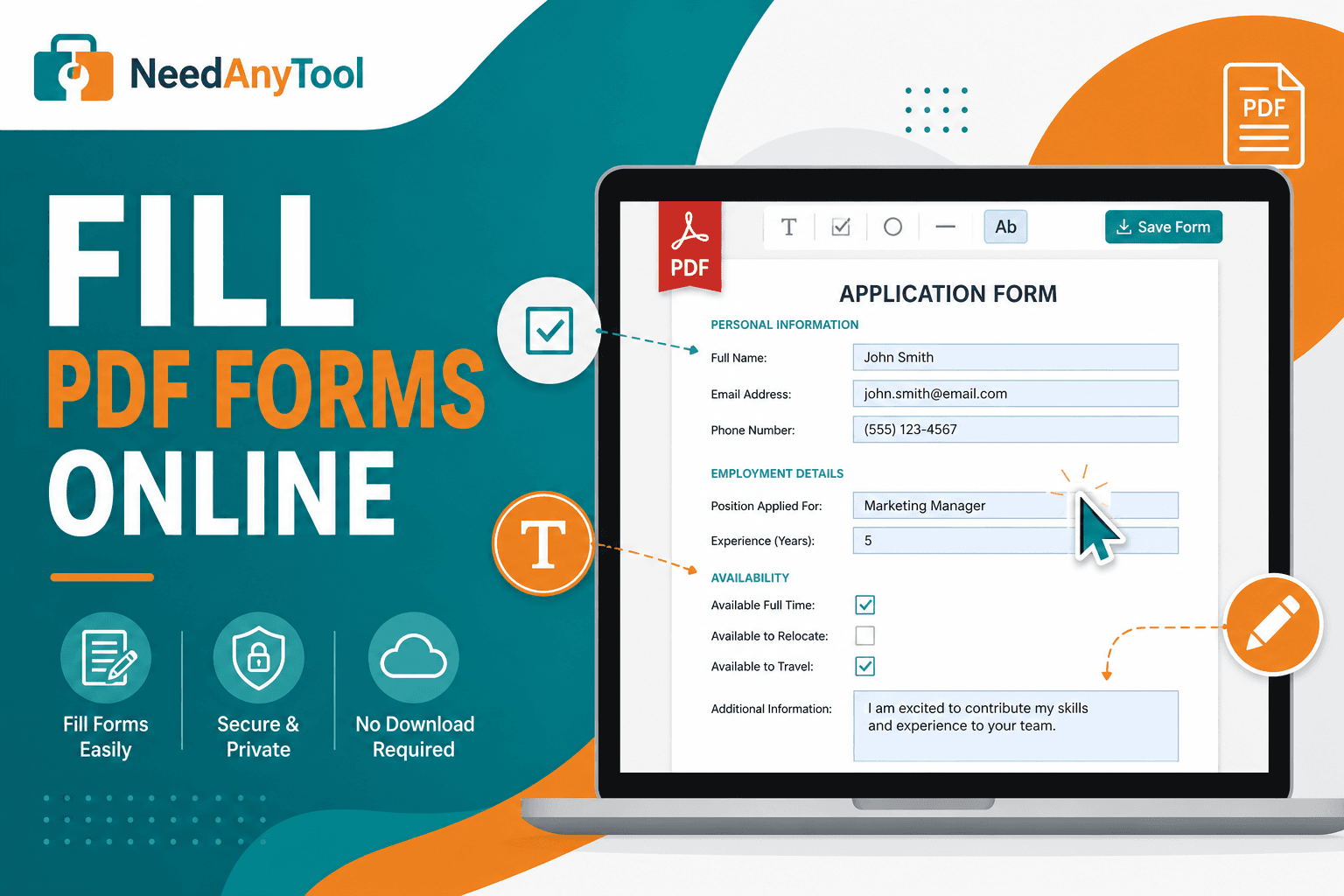
The form email says "fill and return." Printing, handwriting, and scanning back is the slow path — and the result usually looks worse than typing.
Fill PDF forms works with AcroForm fields already baked into the PDF. A flat scan with lines but no fields isn't fillable — type on those with Add text instead.
Is your PDF actually fillable?
Click a field. If you get a cursor or a checkbox toggle, you're good. Tab should jump between fields in desktop readers. A flat scan with printed lines but no interactive boxes needs Add text, not this tool.
Filling and sending
Government forms, vendor onboarding packets, and school permission slips usually ship as fillable PDFs. Tab through them on desktop and you'll catch empty required fields faster than clicking each box with a mouse.
Open Fill PDF forms, load the form, tab through fields or tap each box, then save and download. Reopen in your reader and click every required field once before you send — half-filled forms bounce back constantly.
Form data stays on your device, which matters for tax, medical, and immigration PDFs.
What comes next?
Lock fields for submission with Flatten PDF. Add a signature with Sign PDF. Shrink for email with Compress PDF. Password protect with Protect PDF.
When fields act weird
Fields don't appear — the "form" may be a flat image. Use Add text.
Text too large — shorten answers or shrink font in the field if the PDF allows it.
Checkbox won't tick — some forms use custom widgets. Try clicking the label area instead.
FAQ
Will the recipient actually see my answers?
Yes in the downloaded file if fields saved correctly. Always reopen and verify.
Can I fill a long form on my phone?
Yes, though desktop is easier for anything with lots of fields.
Does flattening remove editability?
Yes — flatten bakes field values into the page.
Is this a digital signature?
No — use Sign PDF for a visual signature stamp.
30 on-device PDF tools — nothing uploaded.
Related guides
PDF Guides
Sign a PDF Online Without Printing or Uploading
Sign a PDF online free — draw an electronic signature without printing or uploading. E-sign PDF forms in your browser with NeedAnyTool.
PDF Guides
How to Merge PDF Files Without Uploading
How to merge and combine PDF files in your browser with no upload. Private on-device merge — reorder files, download one document.
PDF Guides
How to Add a Watermark to a PDF Online
Add a watermark to a PDF online — stamp Draft, Confidential, or a logo across pages. Free PDF watermark tool in your browser, no upload.