Text Guides
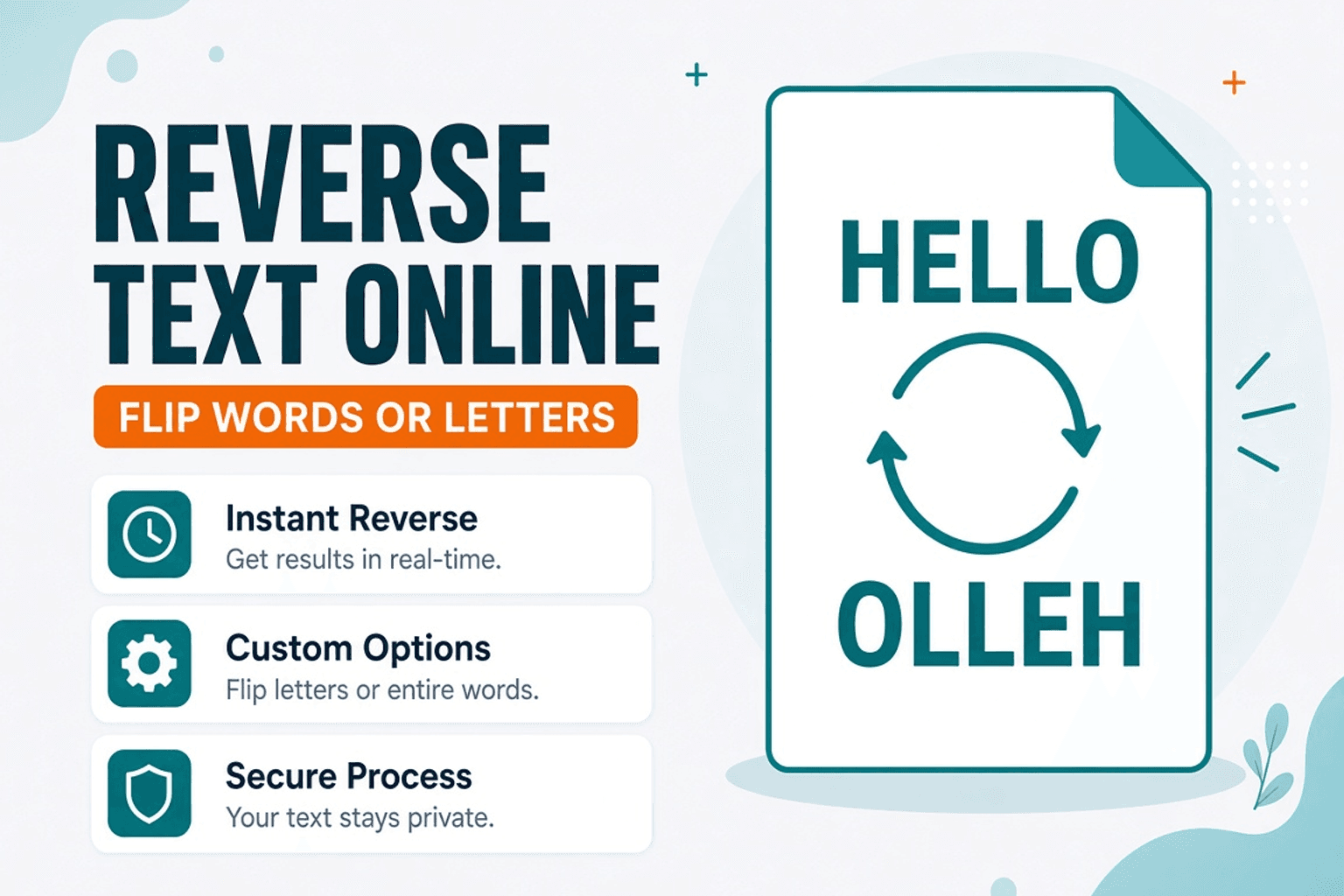
Reverse Text Online — Flip Words or Characters
Reverse text by characters or words in your browser. Free Text Reverser — fun, puzzles, and quick transforms — NeedAnyTool.
NeedAnyToolPublished 1 min read
Sometimes you need a mirror string for a puzzle, a classroom demo, or a quick check that a font supports unusual sequences. Typing backwards by hand is a waste of time.
Text Reverser flips the paste — characters or word order, depending on the mode you pick. It’s a small utility, not encryption. Don’t treat reversed text as secure. Everything stays in your browser.
Useful (and less useful) cases
| Use | Notes |
|---|---|
| Puzzles & games | Fast mirror strings |
| Teaching encoding | Show “order matters” before Base64 |
| Ambigrams / design play | Start point only |
| “Hiding” passwords | Not security — skip this |
For real encoding, use Text to Base64 or Text to Binary.
Steps
- Open Text Reverser.
- Paste the string.
- Choose character vs word reverse if both are available.
- Copy the result.
Related searches
- reverse text online free
- flip text backwards
- reverse letters online
- mirror text generator
- reverse words in sentence
- text reverser no upload
FAQ
Is reversed text private?
Yes. Local browser only.
Unicode / emoji?
Most modern reversers handle code points; complex emoji sequences (ZWJ) can look odd — check the output.
Same as sorting Z–A?
No. Sorting reorders lines; reverse flips the string itself.
Related guides
Text Guides
Count Sentences Online — Scripts, Essays & Transcripts
Count sentences in essays, scripts, and transcripts in your browser. Free Sentence Counter — private, no upload — NeedAnyTool.

Text Guides
Clean a URL Slug Online — Fix Messy Permalinks
Clean messy URL slugs — fix spaces, punctuation, and ugly separators. Free URL Slug Cleaner in your browser — NeedAnyTool.
Text Guides
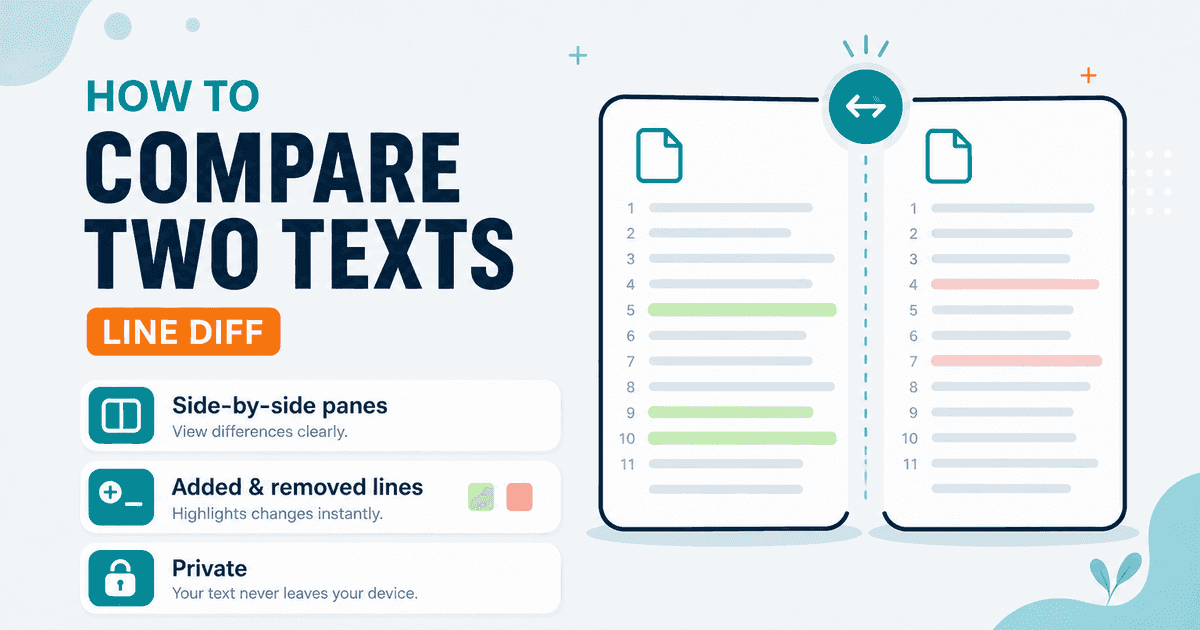
Compare Two Texts Online — Line Diff in Your Browser
Diff two versions of text line by line. Free Text Compare tool — see added and removed lines privately in your browser with NeedAnyTool.