Converter Guides
Convert JSON to CSV Online — Arrays to Spreadsheets
Turn JSON arrays into CSV for Excel or Sheets. Free JSON to CSV converter in your browser — private NeedAnyTool tool.
NeedAnyToolPublished 1 min read
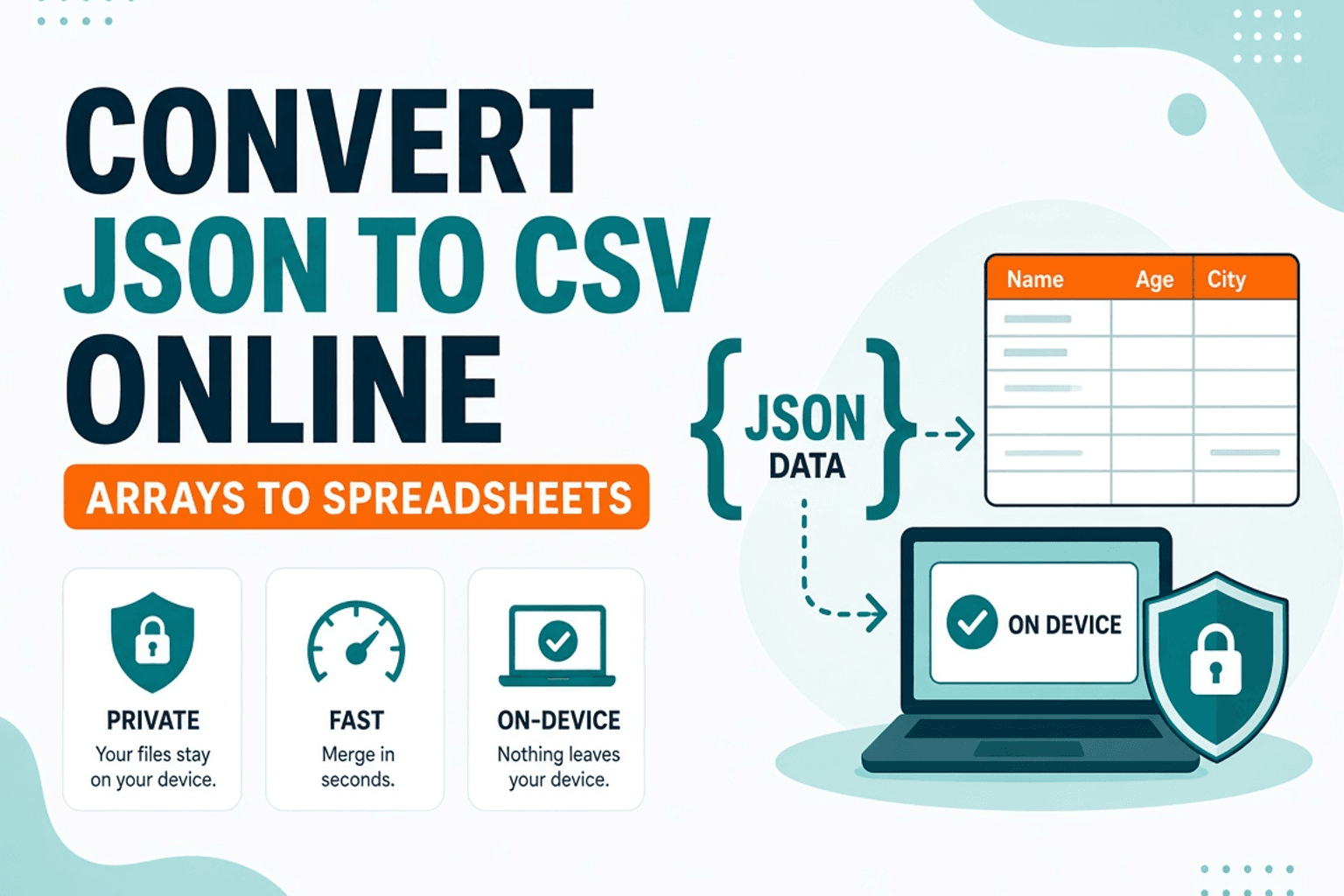
Product wants a spreadsheet. Engineering handed you a JSON array of users. Opening it in Notepad won’t help — you need columns.
JSON to CSV maps object keys to headers and rows to lines. Flatten nested objects carefully — deeply nested JSON often needs a cleanup pass in JSON Formatter first. Conversion stays on your device.
Best-fit JSON shape
- Array of flat objects with shared keys works best
- Mixed keys produce sparse columns — expect empty cells
- Nested objects may stringify or need flattening before convert
Steps
- Validate/pretty-print with JSON Formatter if needed.
- Open JSON to CSV.
- Paste the array.
- Download or copy CSV into Excel / Google Sheets.
Going the other way? Use CSV to JSON.
Related searches
- convert JSON to CSV online
- JSON to Excel CSV free
- export JSON array spreadsheet
- JSON to CSV browser
- API JSON to CSV
- JSON to CSV no upload
FAQ
Private?
Yes — local conversion.
Why are columns missing?
Not every object had that key. Normalize the JSON or accept sparse CSV.
Nested JSON?
Flatten or pick a top-level array of simple objects first.
Related guides
Converter Guides
Convert YAML to JSON Online — Config Files
Convert YAML config to JSON in your browser. Free YAML to JSON converter — private NeedAnyTool tool for DevOps and apps.
Converter Guides
Convert CSV to JSON Online — Sheets to API Data
Convert CSV to JSON for APIs and apps. Free CSV to JSON converter in your browser — private NeedAnyTool tool.
Converter Guides
HTML Encode and Decode Online — Entities Done Right
Encode and decode HTML entities in your browser. Free HTML Encode / Decode tool — safe snippets, private NeedAnyTool converter.