Text Guides
Encode and Decode Base64 Text Online
Convert text to Base64 and back in your browser. Free UTF-8 Base64 encode/decode tools — private, no upload — NeedAnyTool.
NeedAnyToolPublished 1 min read
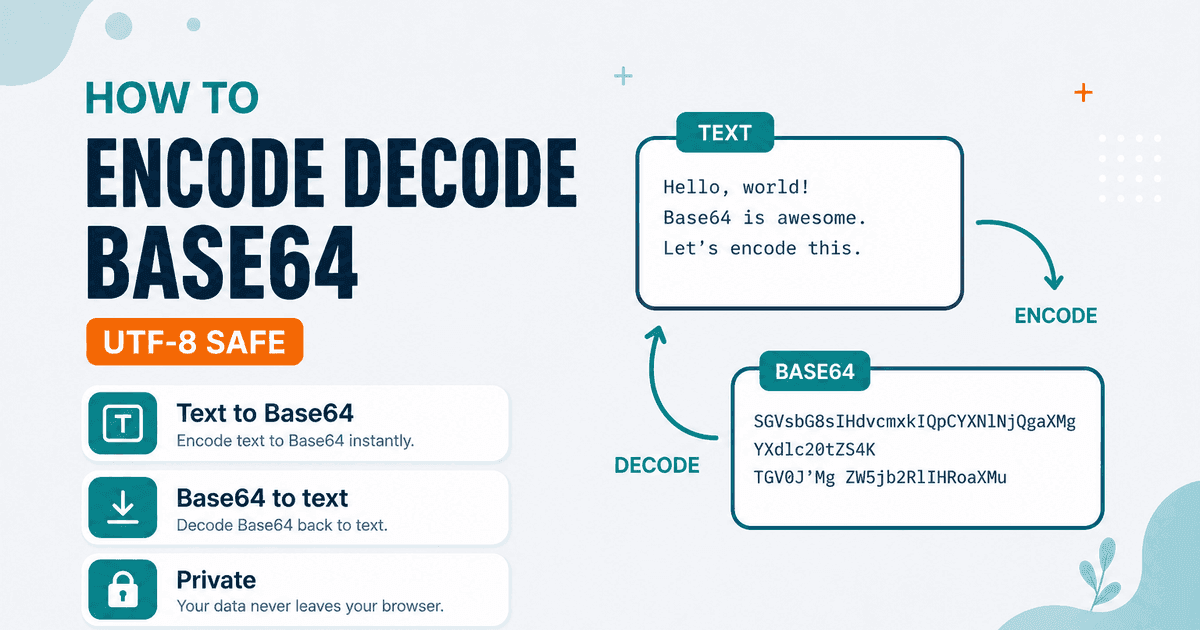
APIs, data URLs, and config snippets often expect a Base64 string instead of raw text. Decoding someone else’s blob back into readable UTF-8 is the other half of the job.
NeedAnyTool splits that into two focused tools:
- Text to Base64 — UTF-8 encode, then Base64
- Base64 to Text — decode Base64 back to UTF-8 text
Both run in the browser. Paste text only — these pages are not file uploaders for binary assets.
Encode
- Open Text to Base64.
- Paste the string.
- Copy the Base64 output.
Decode
- Open Base64 to Text.
- Paste the Base64 (whitespace is stripped).
- Copy the UTF-8 text — invalid input shows a clear error.
Limits to know: decode is aimed at text. Arbitrary binary payloads may not display usefully as characters. For other encodings, see Text to Binary / Binary to Text or the ASCII code-point pair.
FAQ
Is encoding the same as encryption?
No. Base64 is an encoding. Anyone can decode it.
Private?
Yes — browser-only.
Related guides
Text Guides
Count Sentences Online — Scripts, Essays & Transcripts
Count sentences in essays, scripts, and transcripts in your browser. Free Sentence Counter — private, no upload — NeedAnyTool.

Text Guides
Clean a URL Slug Online — Fix Messy Permalinks
Clean messy URL slugs — fix spaces, punctuation, and ugly separators. Free URL Slug Cleaner in your browser — NeedAnyTool.
Text Guides
Compare Two Texts Online — Line Diff in Your Browser
Diff two versions of text line by line. Free Text Compare tool — see added and removed lines privately in your browser with NeedAnyTool.