Text Guides
Count Paragraphs Online — Structure Your Draft Fast
Count paragraphs in essays, blog posts, and notes in your browser. Free Paragraph Counter — private NeedAnyTool text tool.
NeedAnyToolPublished 1 min read
The outline said five sections. Your paste looks like one grey block. Paragraph count is the fastest way to see whether the draft actually breathes — or whether you forgot blank lines after a PDF copy.
Paragraph Counter counts blocks separated by blank lines (and related breaks). Run it after Remove Line Breaks if a PDF paste shattered every line — otherwise you’ll over-count “paragraphs” that are really hard wraps.
How paragraphs are measured
- Blank-line separated blocks count as paragraphs.
- Single newlines inside a block usually stay one paragraph.
- Empty trailing lines don’t invent extra sections.
For length, open Word Counter. For sentence rhythm inside each block, use Sentence Counter.
Steps
- Open Paragraph Counter.
- Paste the article, essay, or newsletter.
- Check the live paragraph total.
- Split or merge sections until the outline matches.
Practical uses
- Blog posts with a target “one idea per paragraph”
- Cover letters that must stay short
- Meeting notes you want to turn into bullet sections
- Cleaning paste before you publish
Related searches
- count paragraphs online
- paragraph counter free
- how many paragraphs in my essay
- blog post paragraph count
- count paragraphs in text
- paragraph counter no upload
FAQ
Free to use?
Yes — unlimited pastes, no sign-up.
Uploaded anywhere?
No. Local browser only.
PDF paste looks like 50 paragraphs?
Fix hard wraps with Remove Line Breaks, then recount.
Related guides
Text Guides
Count Sentences Online — Scripts, Essays & Transcripts
Count sentences in essays, scripts, and transcripts in your browser. Free Sentence Counter — private, no upload — NeedAnyTool.
Text Guides
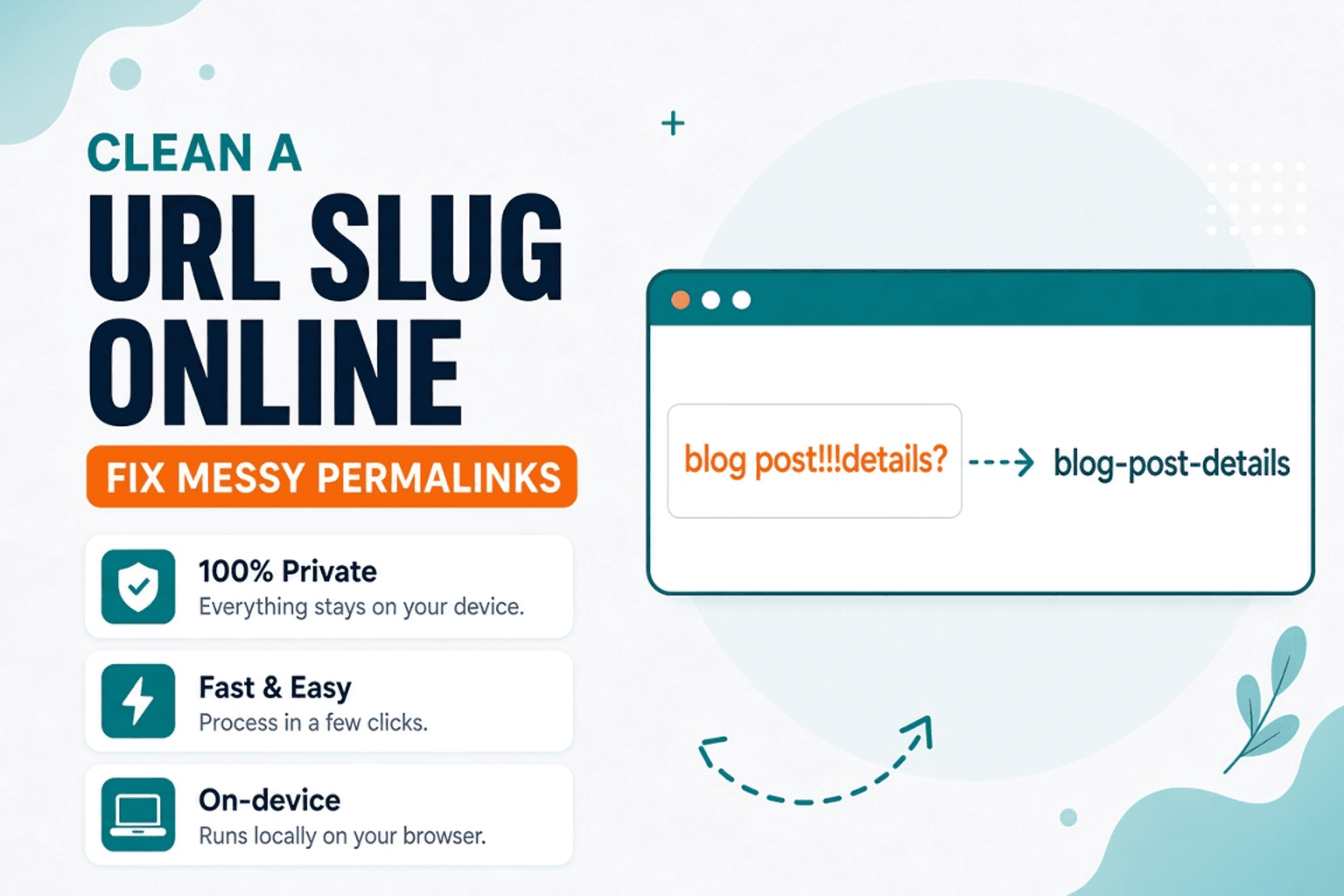
Clean a URL Slug Online — Fix Messy Permalinks
Clean messy URL slugs — fix spaces, punctuation, and ugly separators. Free URL Slug Cleaner in your browser — NeedAnyTool.
Text Guides
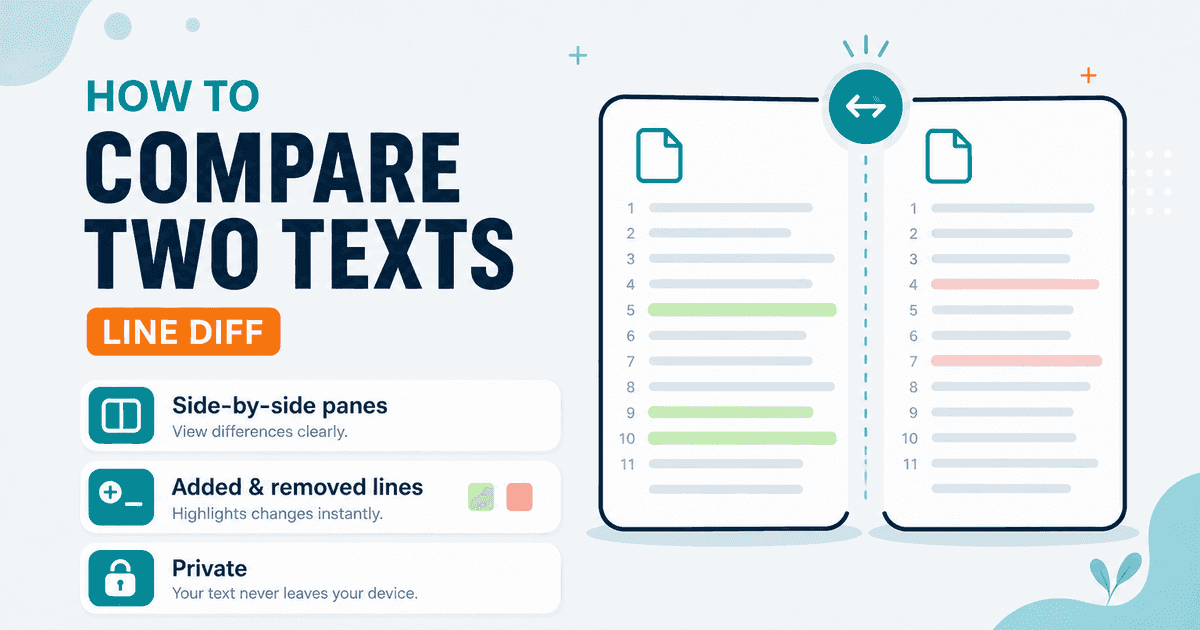
Compare Two Texts Online — Line Diff in Your Browser
Diff two versions of text line by line. Free Text Compare tool — see added and removed lines privately in your browser with NeedAnyTool.