Text Guides
ABC Order for Lists — Alphabetical Order Guide
ABC order and alphabetical order for names, lists, and glossary terms — when to sort lines versus words. The Alphabetical Order Generator does the sort.
NeedAnyToolPublished Updated 2 min read
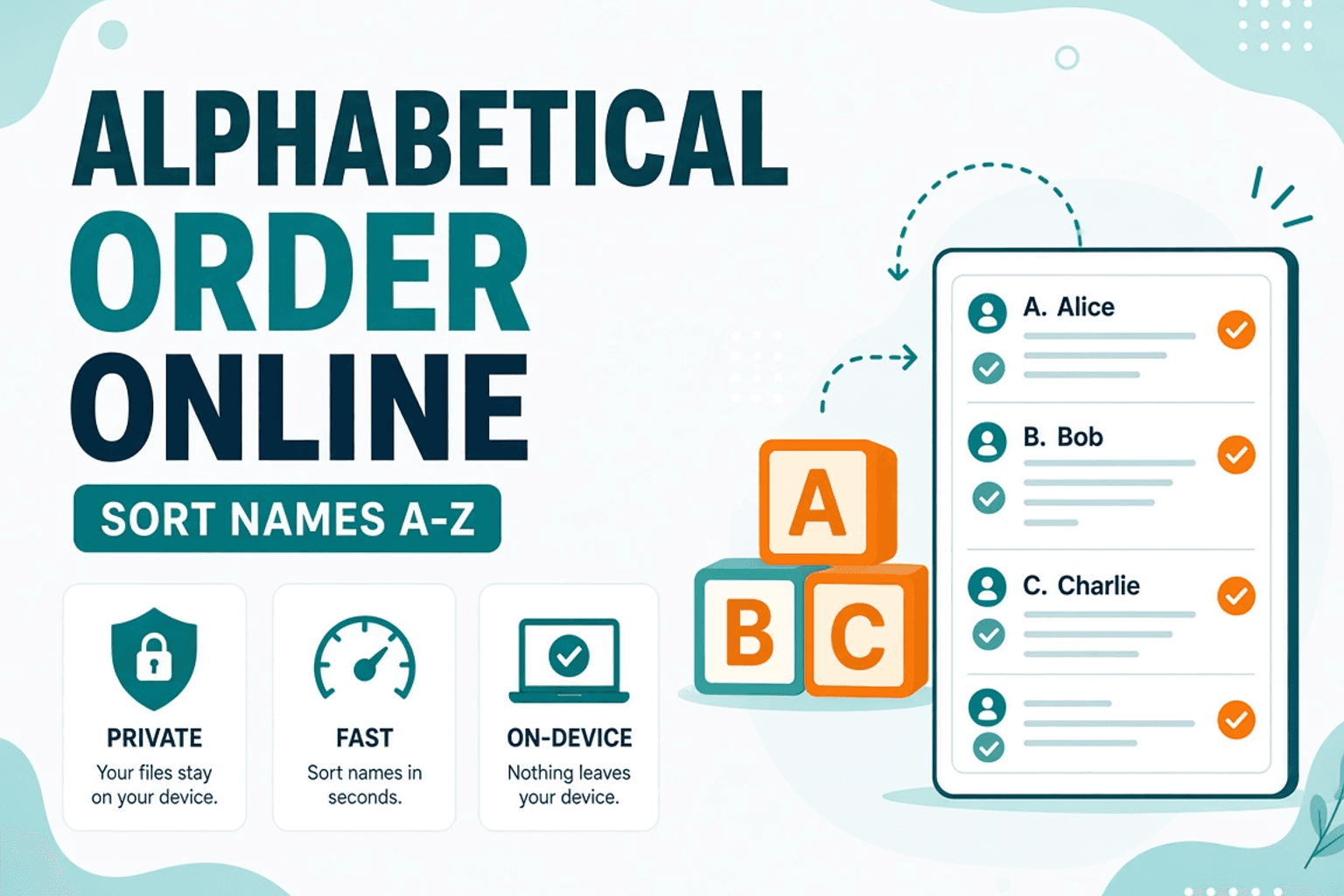
Bibliography entries, guest lists, glossary terms — anything that should read A to Z. Doing it by eye in a Google Doc is how Smith ends up above Singh for the wrong reason.
Ready to alphabetize a list now? Use the Alphabetical Order Generator — paste text, choose A–Z or Z–A, then copy or download. This guide explains when line vs word sorting helps and how to clean messy lists first.
How alphabetical ordering works
Dictionary order compares characters from the start of each entry. One item per line is the clearest key. If several names share a line separated by commas, the whole line sorts as a single string — which is usually not what you want for a guest list.
After sorting, run Remove Duplicate Lines on mailing lists. For length sort or shuffle (not just A–Z), Text Sorter covers that family of jobs. Nothing is uploaded.
How to alphabetize a list
- Open the Alphabetical Order Generator.
- Paste one item per line (or choose word mode when you need words inside a sentence sorted).
- Apply A–Z (or Z–A).
- Copy the ordered list back to your doc.
Tips for clean sorts
- One entry per line — commas inside a line won’t split into multiple sort keys.
- Strip leading spaces with Remove Extra Spaces.
- Accents and locale: spot-check names with
é,ñ, or non-Latin scripts. - Confirm row count with Line Counter.
When this guide vs the generator
Use this article when you need the workflow and caveats. Use the Alphabetical Order Generator when you are ready to paste, sort, and copy.
FAQ
Is sorting case-sensitive?
Most everyday lists look best with case ignored so apple and Apple group together. Use the ignore-case option on the tool when available.
Should I sort words or lines?
Lines for names and glossary entries. Words when you need the tokens inside a paragraph alphabetized.
Do I need an account?
No. Sorting runs in your browser.
Related guides
Text Guides
Count Sentences Online — Scripts, Essays & Transcripts
Count sentences in essays, scripts, and transcripts in your browser. Free Sentence Counter — private, no upload — NeedAnyTool.
Text Guides
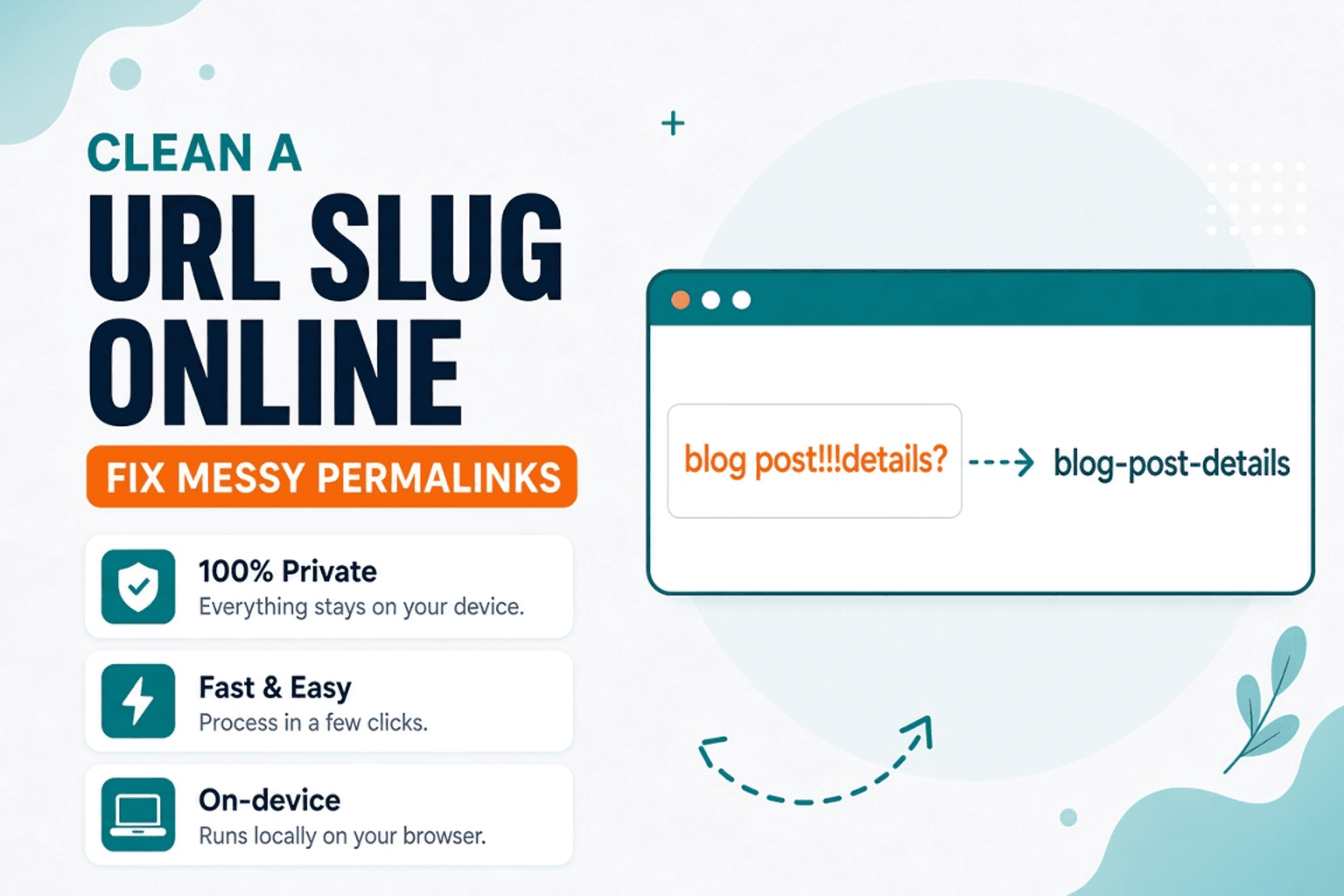
Clean a URL Slug Online — Fix Messy Permalinks
Clean messy URL slugs — fix spaces, punctuation, and ugly separators. Free URL Slug Cleaner in your browser — NeedAnyTool.
Text Guides
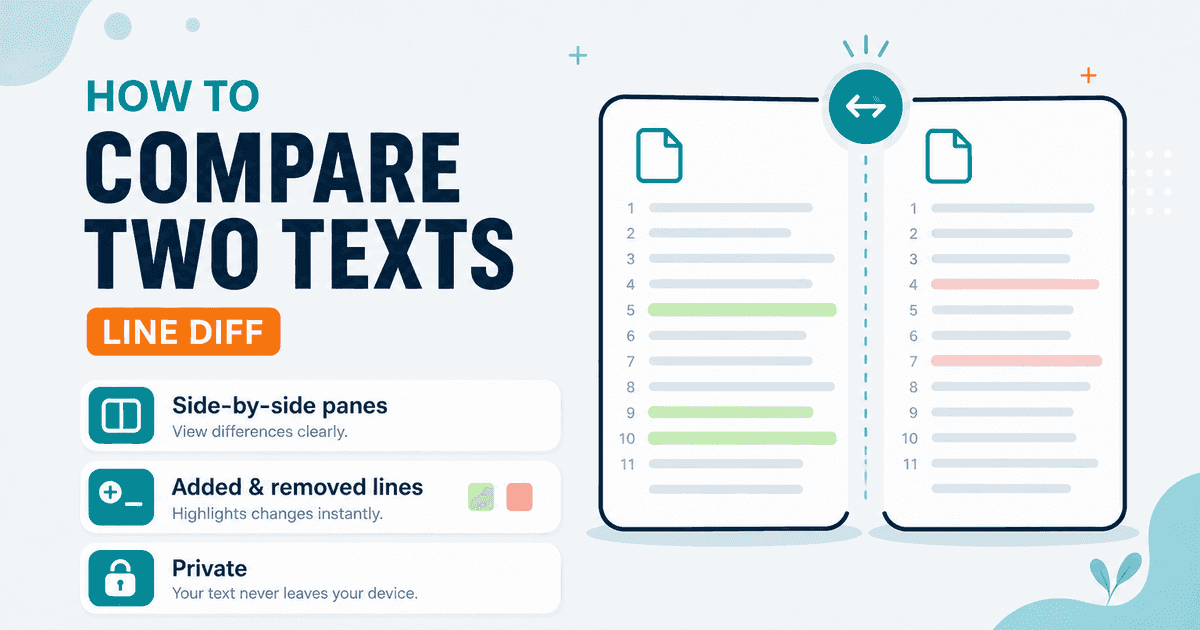
Compare Two Texts Online — Line Diff in Your Browser
Diff two versions of text line by line. Free Text Compare tool — see added and removed lines privately in your browser with NeedAnyTool.