Text Guides
Sort Text Lines Online — A–Z Lists in One Click
Sort lines of text A–Z or Z–A in your browser. Free Text Sorter for lists, names, and SKUs — private NeedAnyTool tool.
NeedAnyToolPublished 1 min read
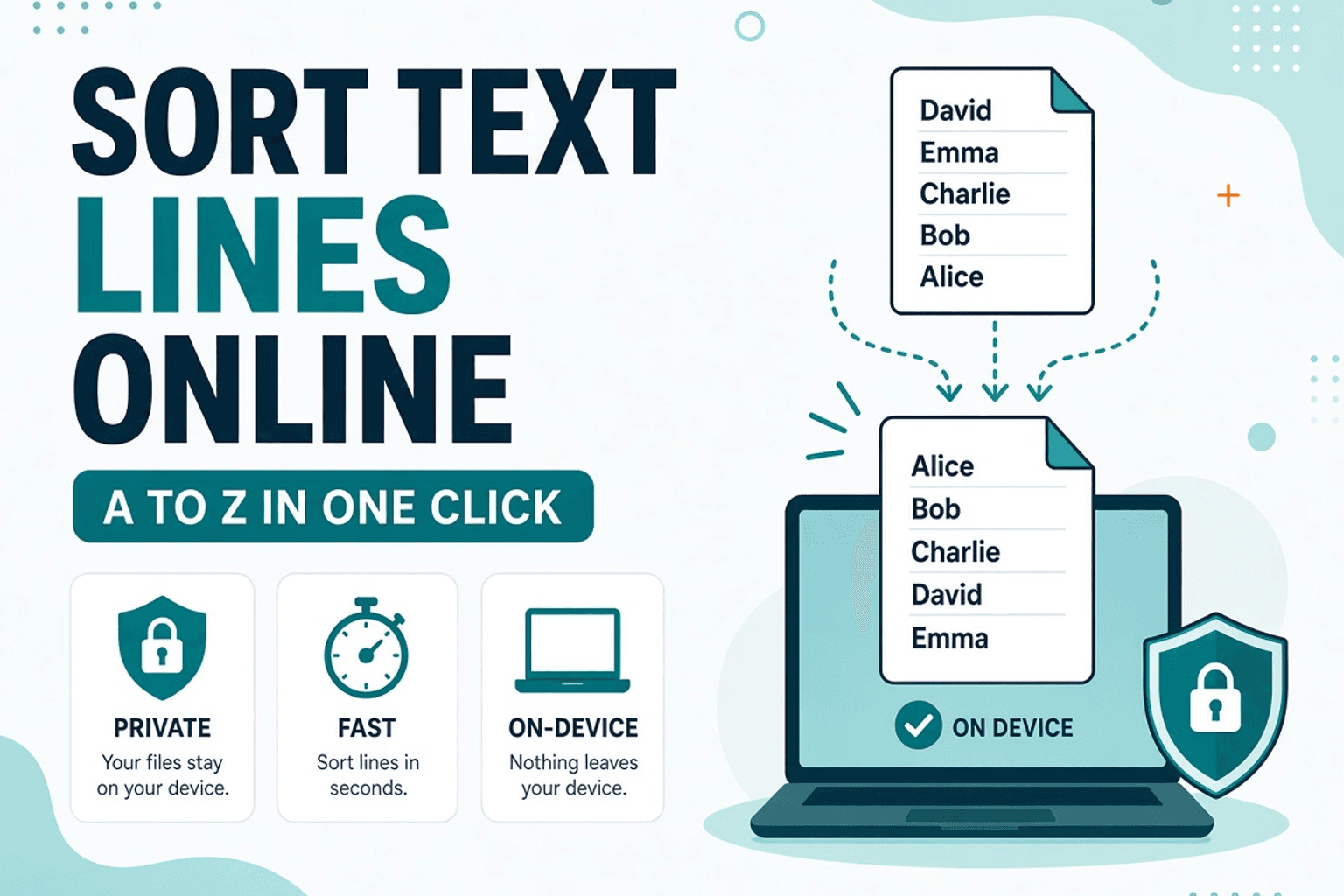
A teammate dumped 80 names into chat. Finance wants the SKU list sorted. Manually dragging rows in a spreadsheet for a one-off paste is slow — and easy to mess up.
Text Sorter reorders each line. Use Alphabetical Order when you want a dedicated A–Z pass, then Remove Duplicate Lines if the sorted list still has repeats. All local in the browser.
Typical workflows
- Paste the raw list into Text Sorter.
- Sort ascending or descending.
- Dedupe if needed.
- Copy back into Sheets, Docs, or your CMS.
Sort vs alphabetical order
Both aim at ordered lists. Sorter is the general “reorder these lines” tool; Alphabetical Order is tuned for dictionary-style A–Z passes. Pick one and stay consistent for the same list.
Tips
- Trim spaces first with Remove Extra Spaces so
" Apple"doesn’t sort away fromApple. - Case can affect order depending on locale rules — spot-check accented names.
- Count rows afterward with Line Counter to confirm nothing dropped.
Related searches
- sort text lines online
- sort list A to Z free
- alphabetical sort paste
- sort lines of text browser
- sort names online no upload
- text sorter free
FAQ
Is sorting private?
Yes — no server upload of your list.
Can I reverse the order?
Use Z–A / descending where offered, or Text Reverser for character-level tricks (different job).
Numbers in the list?
Lexical sort puts 10 before 2 unless you zero-pad. For true numeric order, sort in a spreadsheet.
Related guides
Text Guides
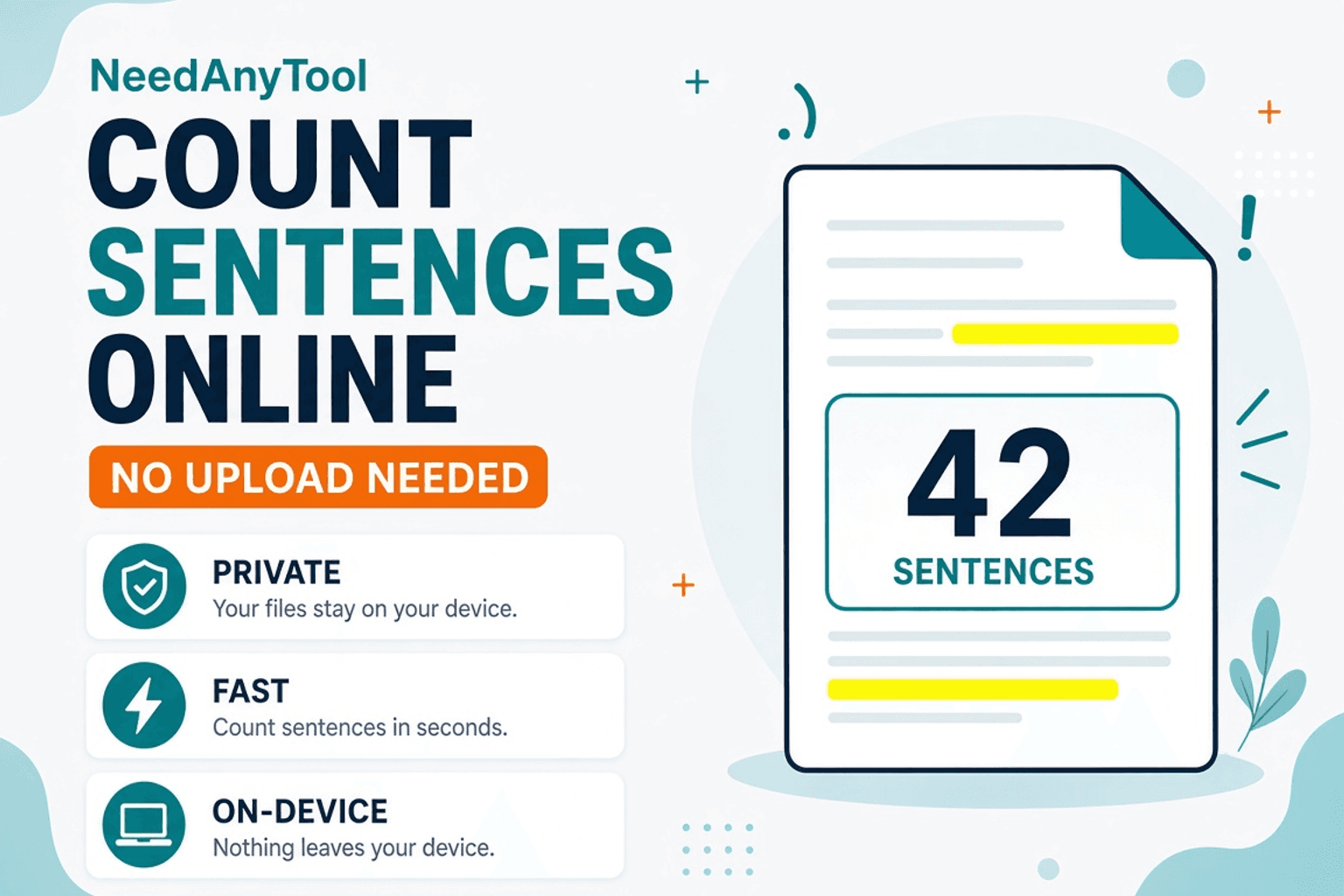
Count Sentences Online — Scripts, Essays & Transcripts
Count sentences in essays, scripts, and transcripts in your browser. Free Sentence Counter — private, no upload — NeedAnyTool.
Text Guides
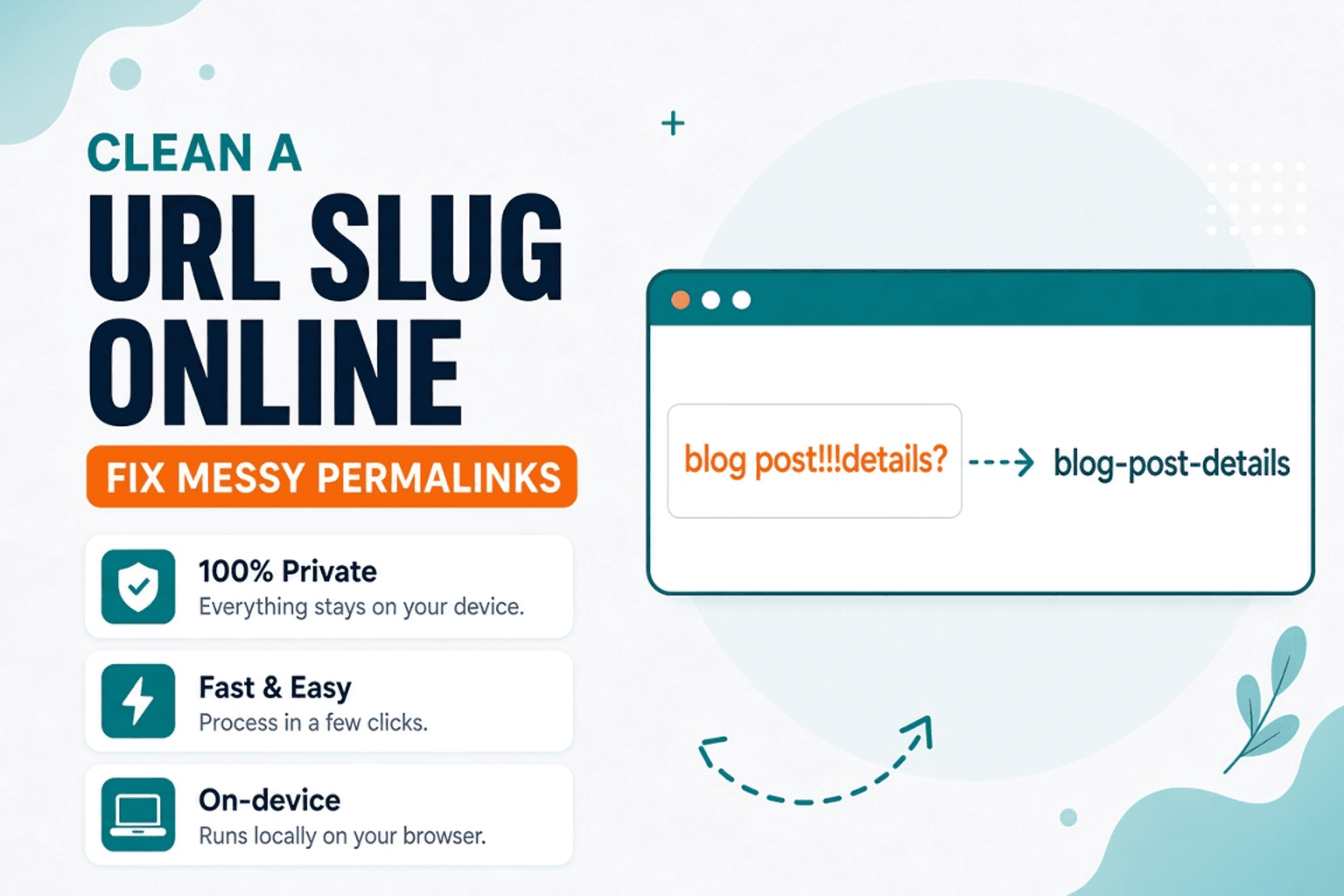
Clean a URL Slug Online — Fix Messy Permalinks
Clean messy URL slugs — fix spaces, punctuation, and ugly separators. Free URL Slug Cleaner in your browser — NeedAnyTool.
Text Guides
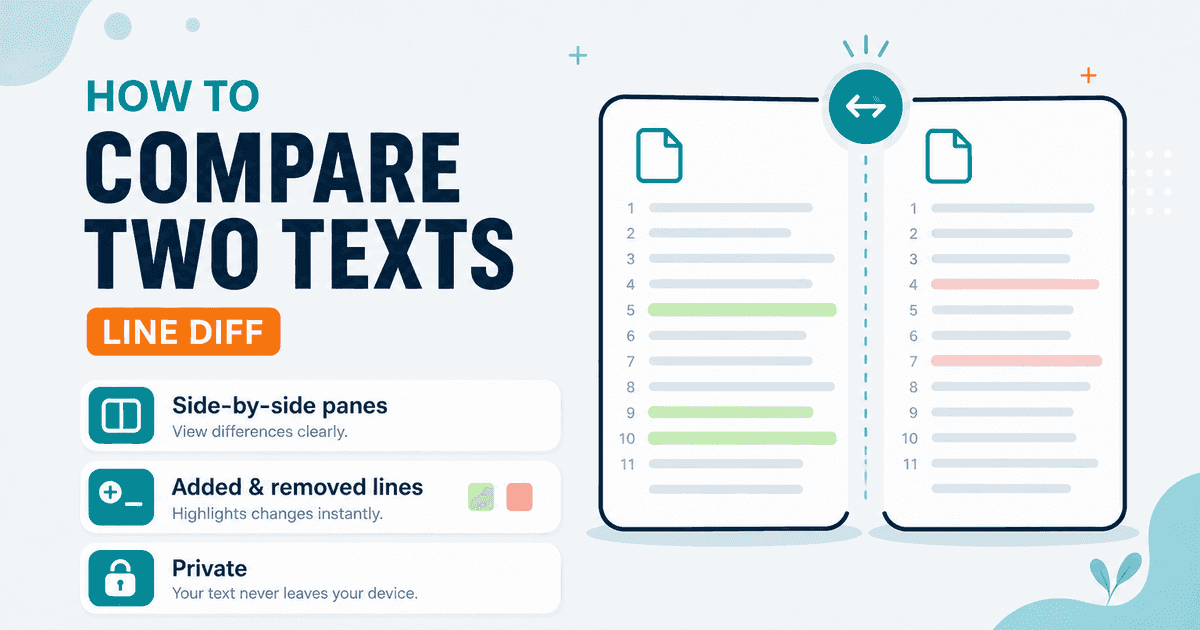
Compare Two Texts Online — Line Diff in Your Browser
Diff two versions of text line by line. Free Text Compare tool — see added and removed lines privately in your browser with NeedAnyTool.