PDF Guides
Highlight PDF Text Online
Highlight important lines in a PDF with a translucent marker — in your browser. Mark clauses, quotes, and study notes without printing.
NeedAnyToolPublished Updated 1 min read
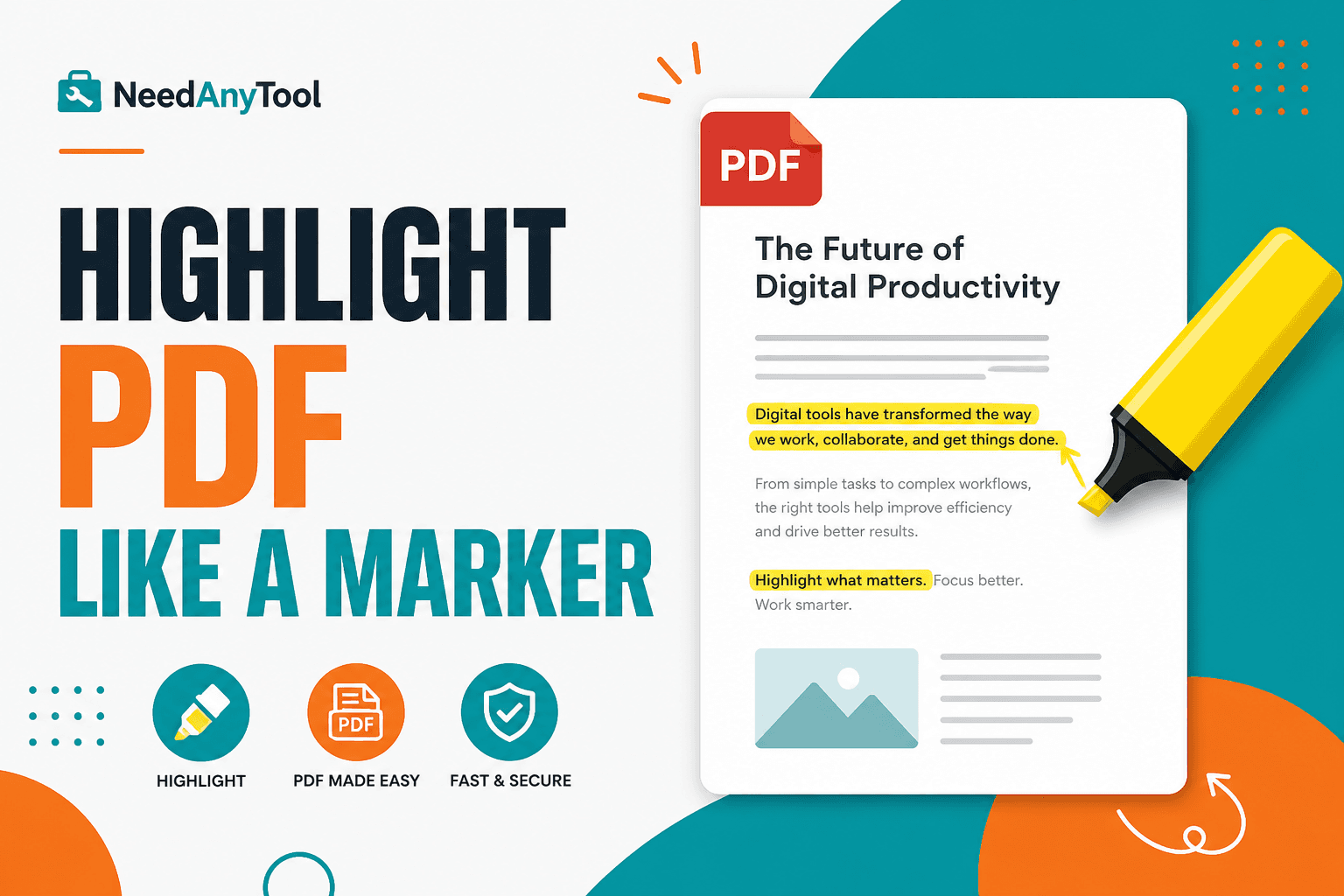
Yellow marker ink doesn't travel through email. When you're reviewing a lease, syllabus, or research PDF on screen, you still want that "this line matters" signal.
Highlight marker draws translucent boxes over areas you drag — like a real highlighter, not the text-selection highlight in a word processor. Pair it with Add text for margin notes. When something needs to disappear entirely, that's Redact PDF.
Who uses this?
Remote co-signers marking up a contract. Students flagging readings before a seminar. Compliance teams tagging clauses for legal review. Anyone comparing two policy versions side by side.
It's faster than describing "the paragraph under the second bullet on page 4" in a separate email. The mark is right there on the line.
Marking up a file
Open Highlight marker, load the PDF, and drag rectangles over the lines you want to emphasize. A simple colour code helps — dates in yellow, obligations in green, whatever your team agrees on.
On colour scans, pale yellow can vanish. Switch to a stronger tint or outline critical lines with Draw.
Download and send. Recipients see the marks baked into the page, and they'll print too. Marks are applied locally, which matters for privileged review documents.
Highlight or redact?
Emphasize but keep readable → Highlight. Permanently remove sensitive text → Redact. Short comment beside a line → Add text.
FAQ
Is this the same as selecting text and highlighting it?
It's visual overlay boxes — reliable across viewers, including scanned pages where there's no real text layer.
Can I remove highlights later?
Re-edit from the original if the tool session allows. Otherwise keep a clean master copy.
Does it work on a phone?
Desktop browsers give more precise rectangles. Phones work for quick marks.
Will highlights show up when someone prints?
Yes — they're part of the rendered page.
30 on-device PDF tools — nothing uploaded.
Related guides
PDF Guides
Sign a PDF Online Without Printing or Uploading
Sign a PDF online free — draw an electronic signature without printing or uploading. E-sign PDF forms in your browser with NeedAnyTool.
PDF Guides
How to Merge PDF Files Without Uploading
How to merge and combine PDF files in your browser with no upload. Private on-device merge — reorder files, download one document.
PDF Guides
How to Add a Watermark to a PDF Online
Add a watermark to a PDF online — stamp Draft, Confidential, or a logo across pages. Free PDF watermark tool in your browser, no upload.